
Success Frameworks in the app
Success Frameworks define the bar you score founders and teams against. The in-app hub and editor differ slightly by persona route; the UI is the same.
Investor routes
| Action | Route |
|---|---|
| Framework list | /investor/benchmark |
| Create wizard | /dashboard/investor/add-role |
| Framework detail | /benchmark/:id |
Organisation and charity users: /company/benchmark, /charity/benchmark, and /dashboard/company/add-role (or charity equivalent).
Hub
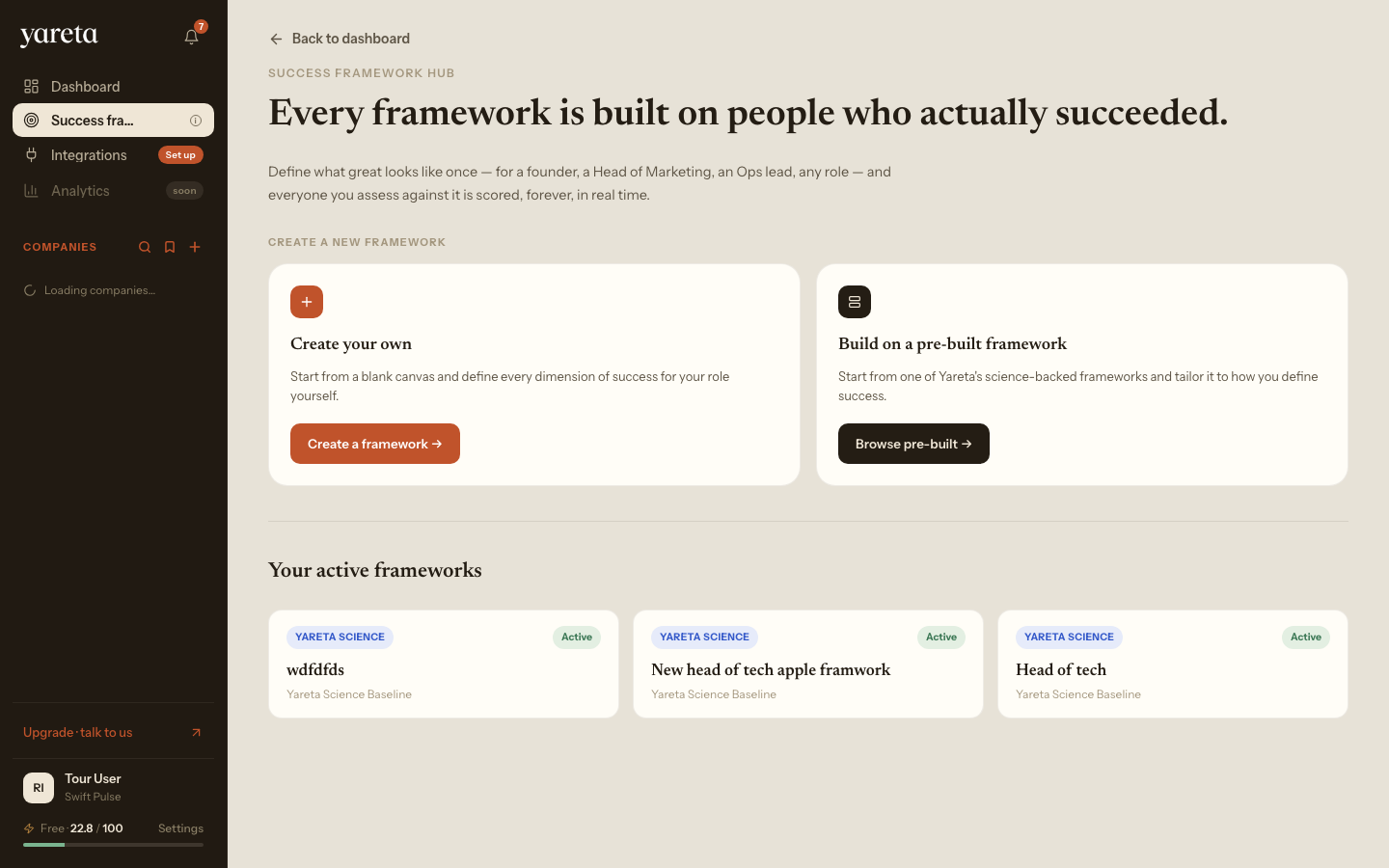
Create your own, build on a pre-built framework, or (when enabled) auto-create from open roles.
Create wizard
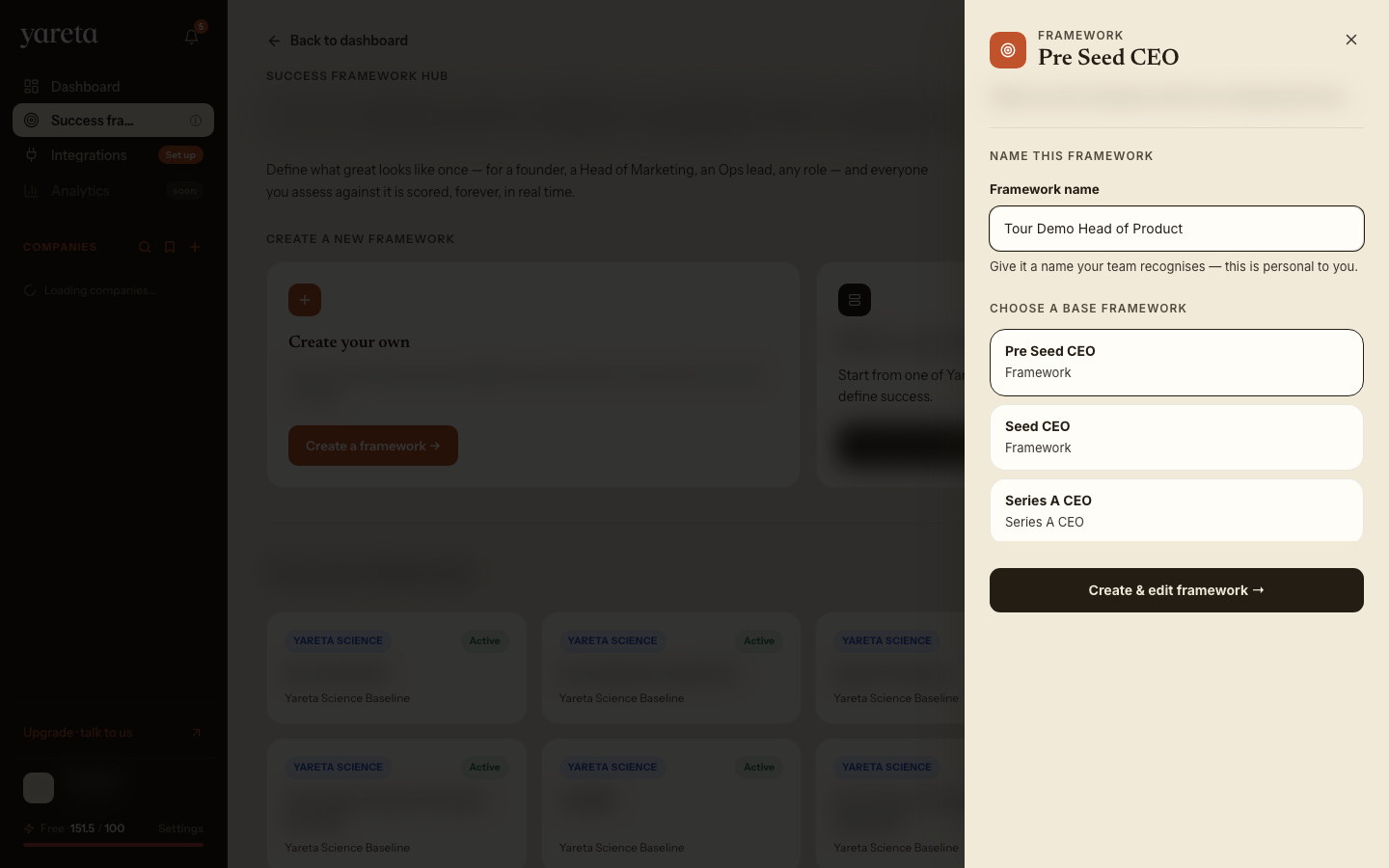
From the hub, Create a framework → opens a side sheet to name the framework and pick a Yareta base template. Create & edit framework → opens the dimension editor at /dashboard/investor/add-role.
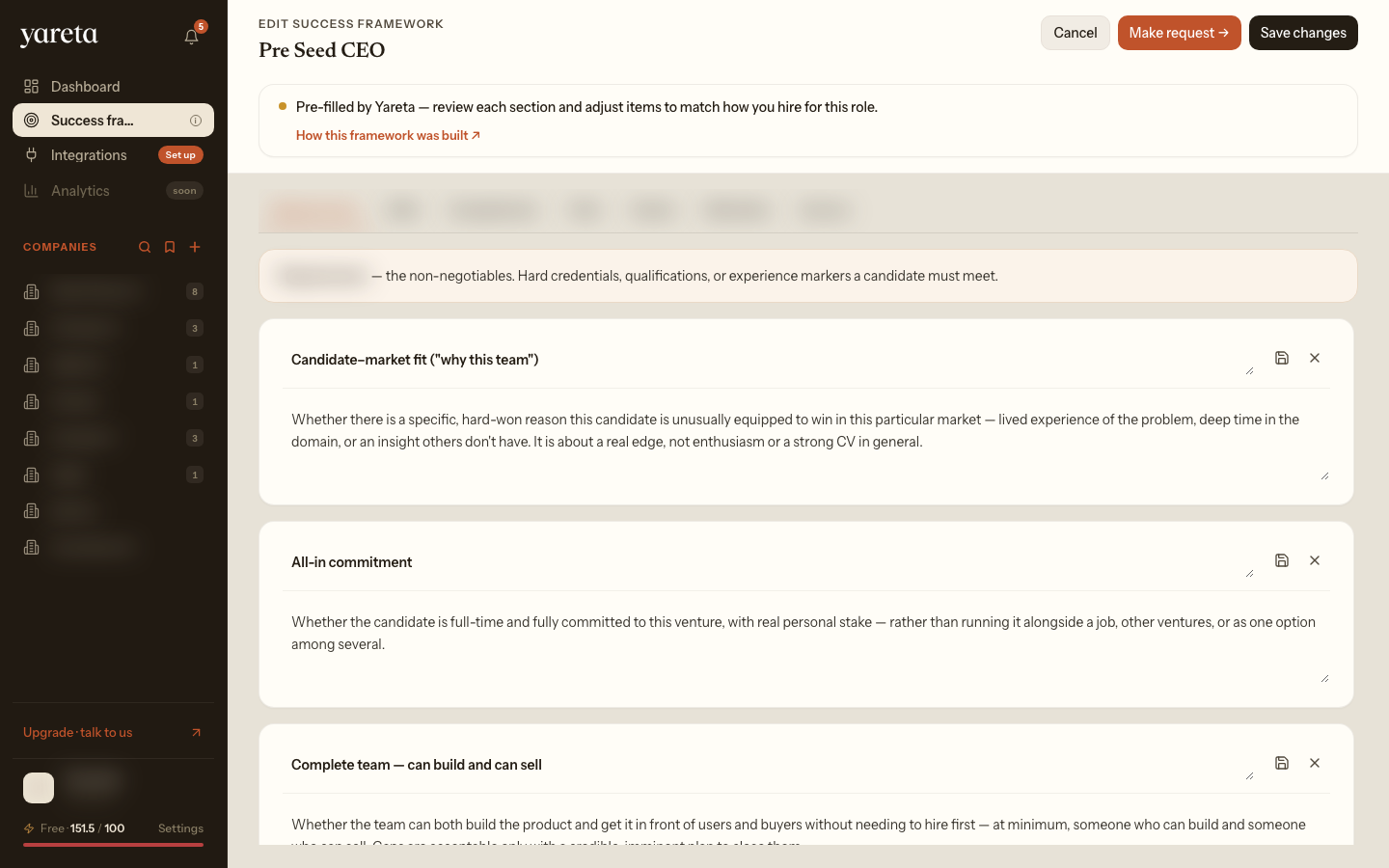
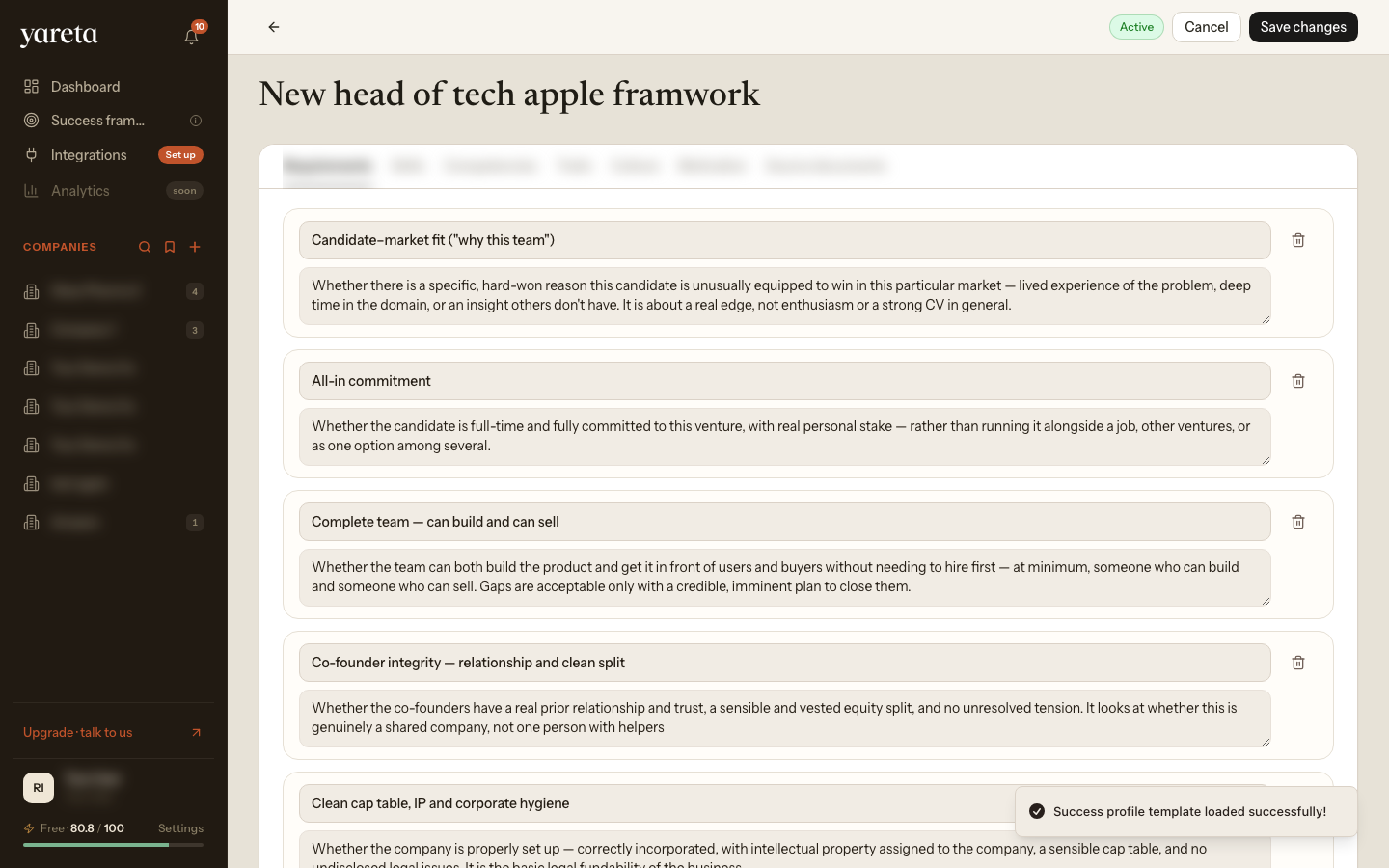
Investor copy focuses on Success Frameworks and deal-flow evidence. Organisation wizards use hiring language but the same steps.
Conceptual overview: Success Frameworks. Investor walkthrough order: Investor workspace.