
Settings in the app
Settings open from the sidebar footer — click your profile avatar → Settings. There is no dedicated /settings URL.
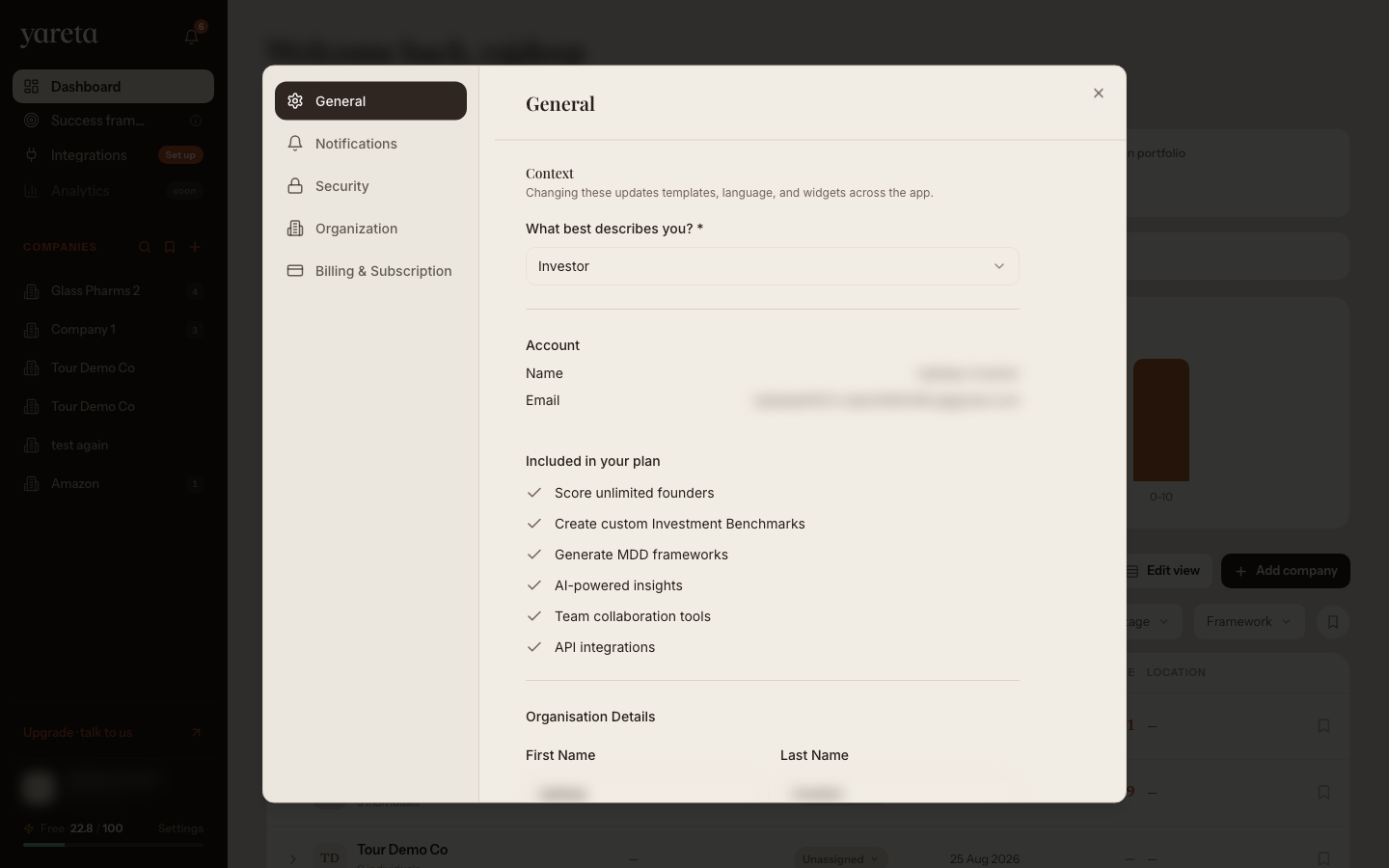
General
Account type, profile fields, and subscription summary.
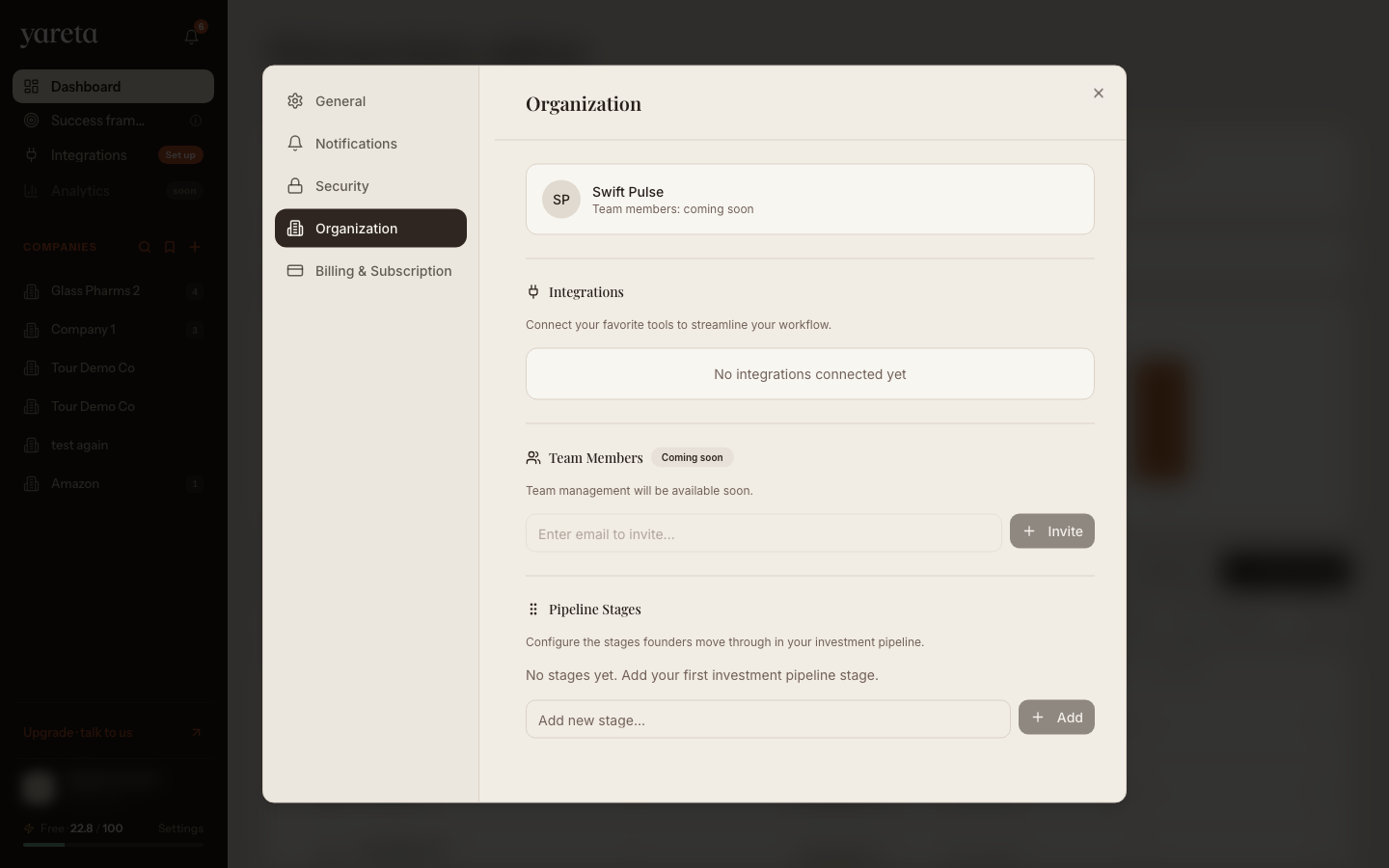
Organization
Pipeline stages and dealflow tags (investor and organisation personas). Charity workspaces use the same tab for programme configuration where applicable.
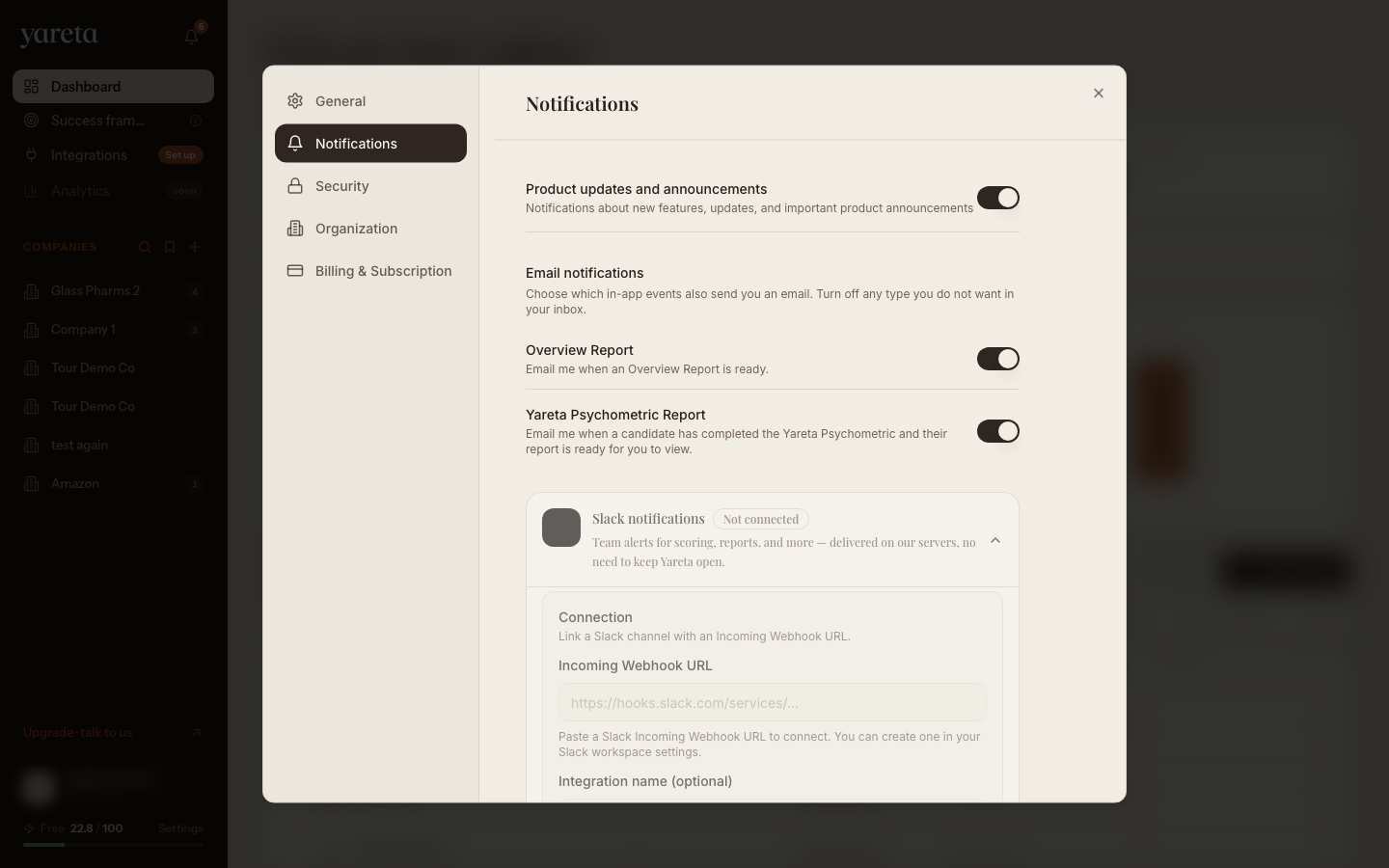
Notifications
Email preferences and Slack notification rules when Slack is connected (investor and organisation).
Security and billing
Use the Security tab for password changes and the Billing tab for credits and subscription management. See Billing & credits.
Investor walkthrough order: Investor workspace §17.