
Visual tour of the app
These captures are from the live product at app.yareta.ai. Names, emails, avatars, and one-time codes are blurred or replaced with demo placeholders. Empty or loading states are real — a new workspace often looks like this until CRM or files land.
Open the app in another tab and follow the same order.
1. Playground (guest — no sign-in)
Start at /playground if you want to try scoring before creating an account.
| Step | Route | Screen |
|---|---|---|
| 0 | /playground | Landing — Choose your way in |
| 1 | /playground/account-type | Pick organisations, investors, charities, individuals, or founders |
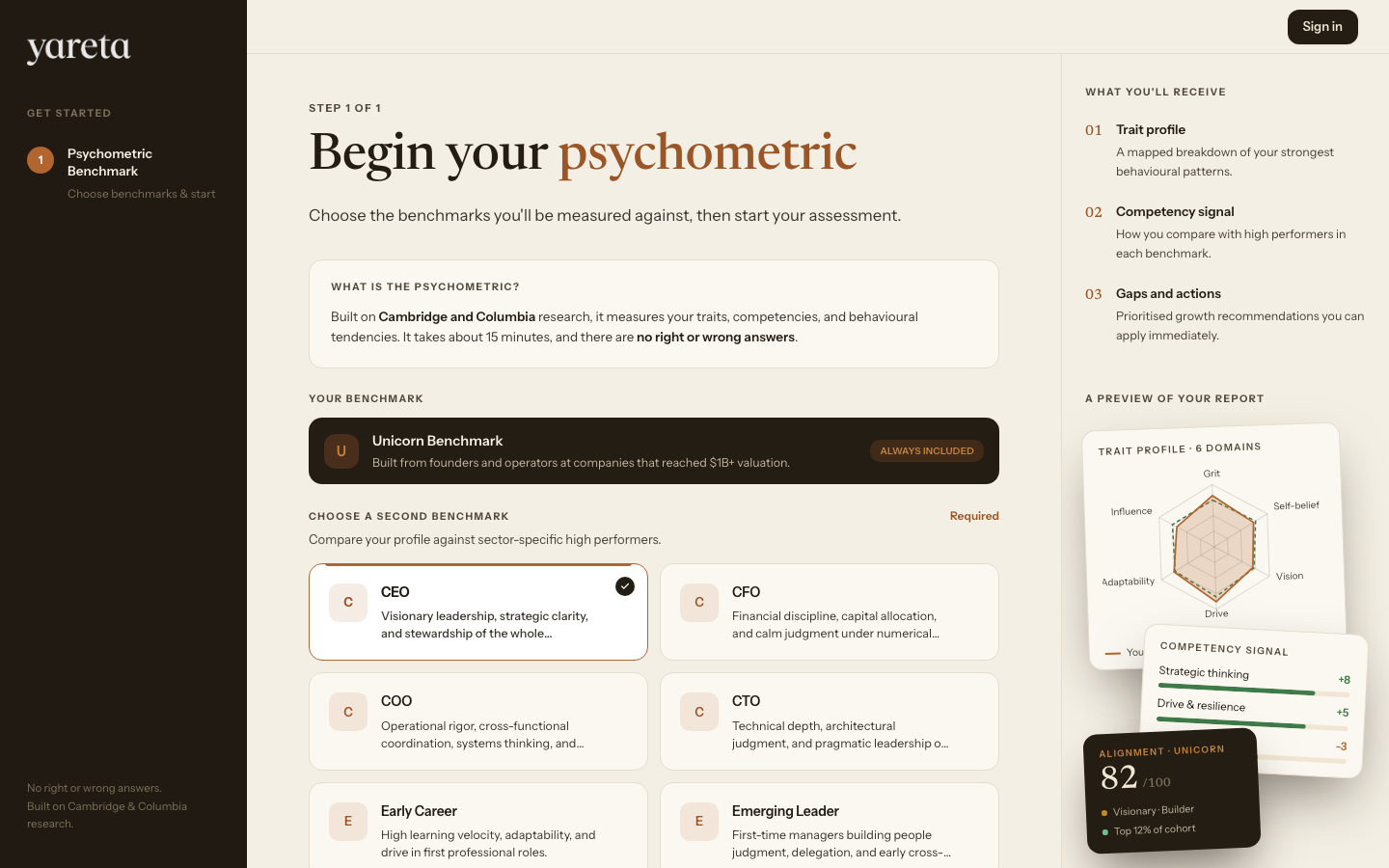
| 2+ | /playground/company, /investor, /charity, or /individual | Team paths: framework → upload → score. Individual/founder: benchmark → sign up |
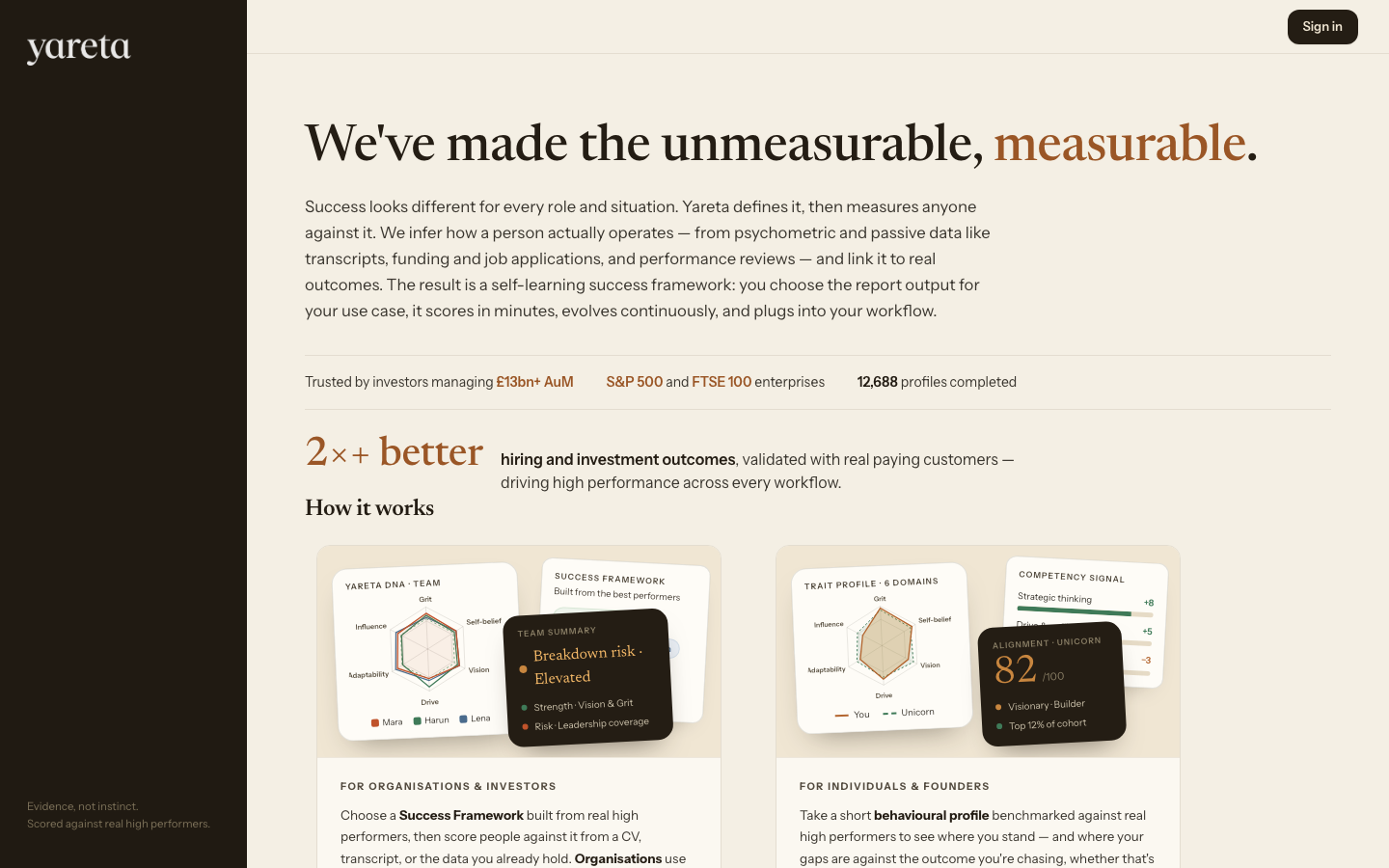
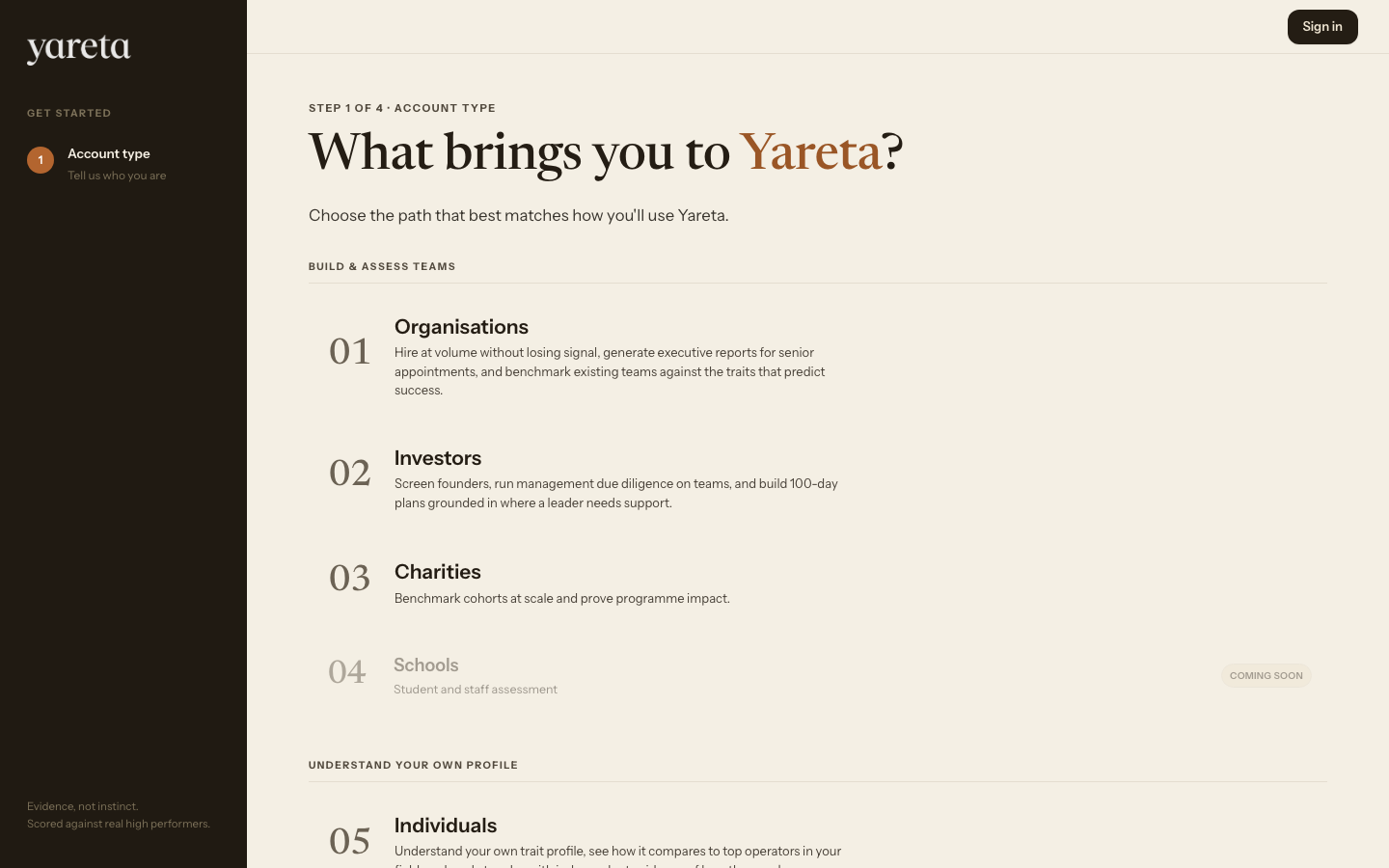
Example org flow (organisation path — investor and charity follow the same steps):
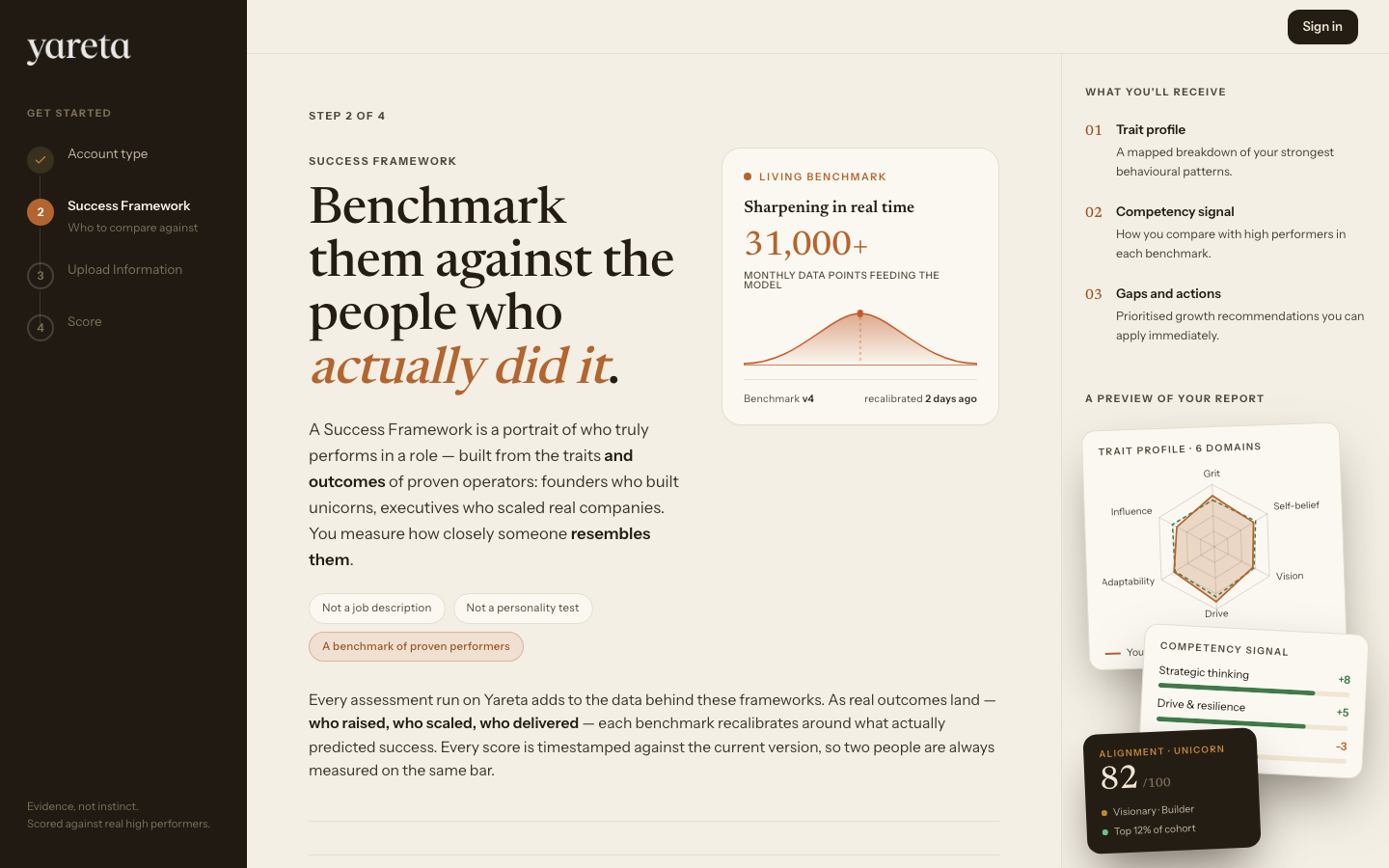
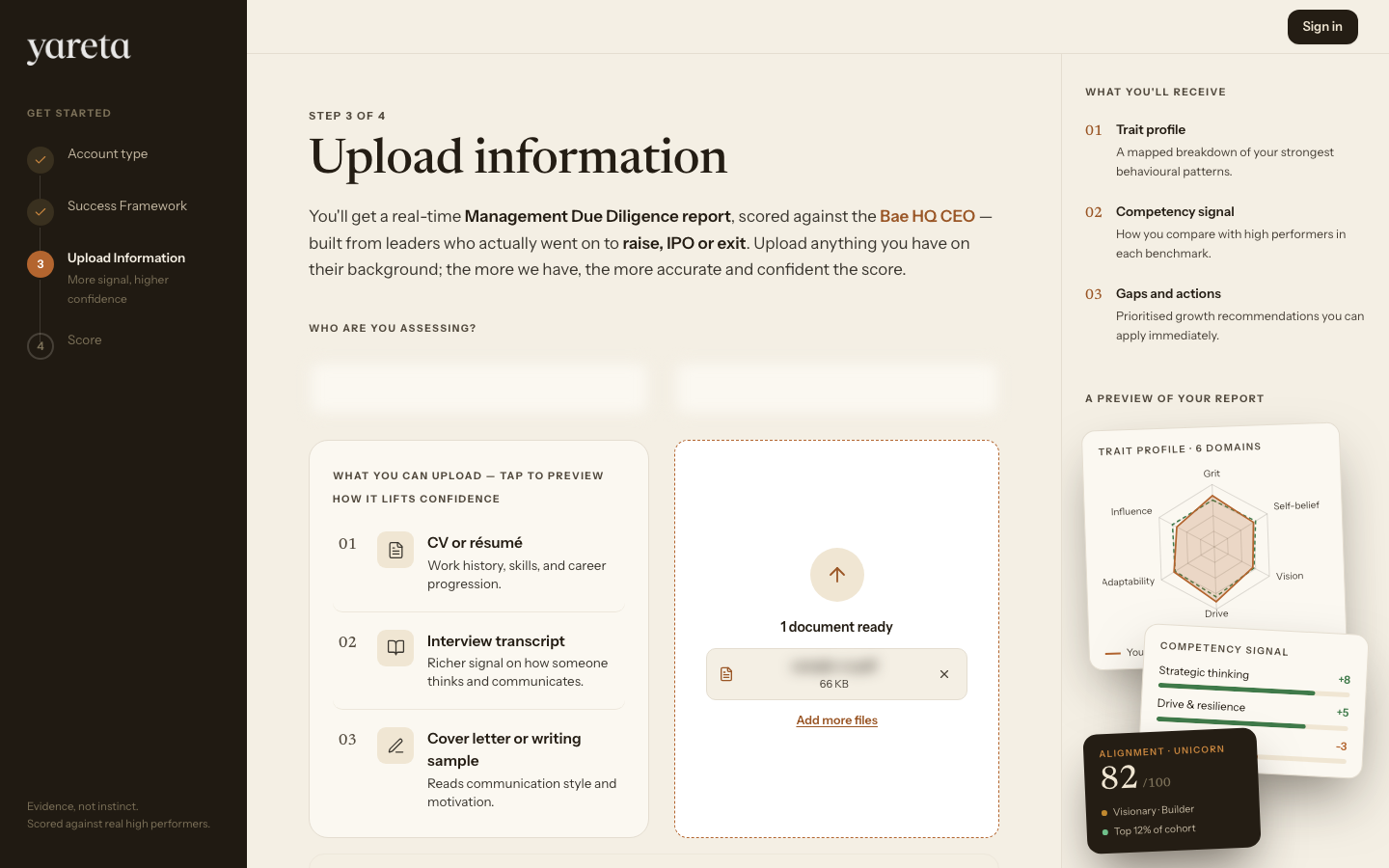
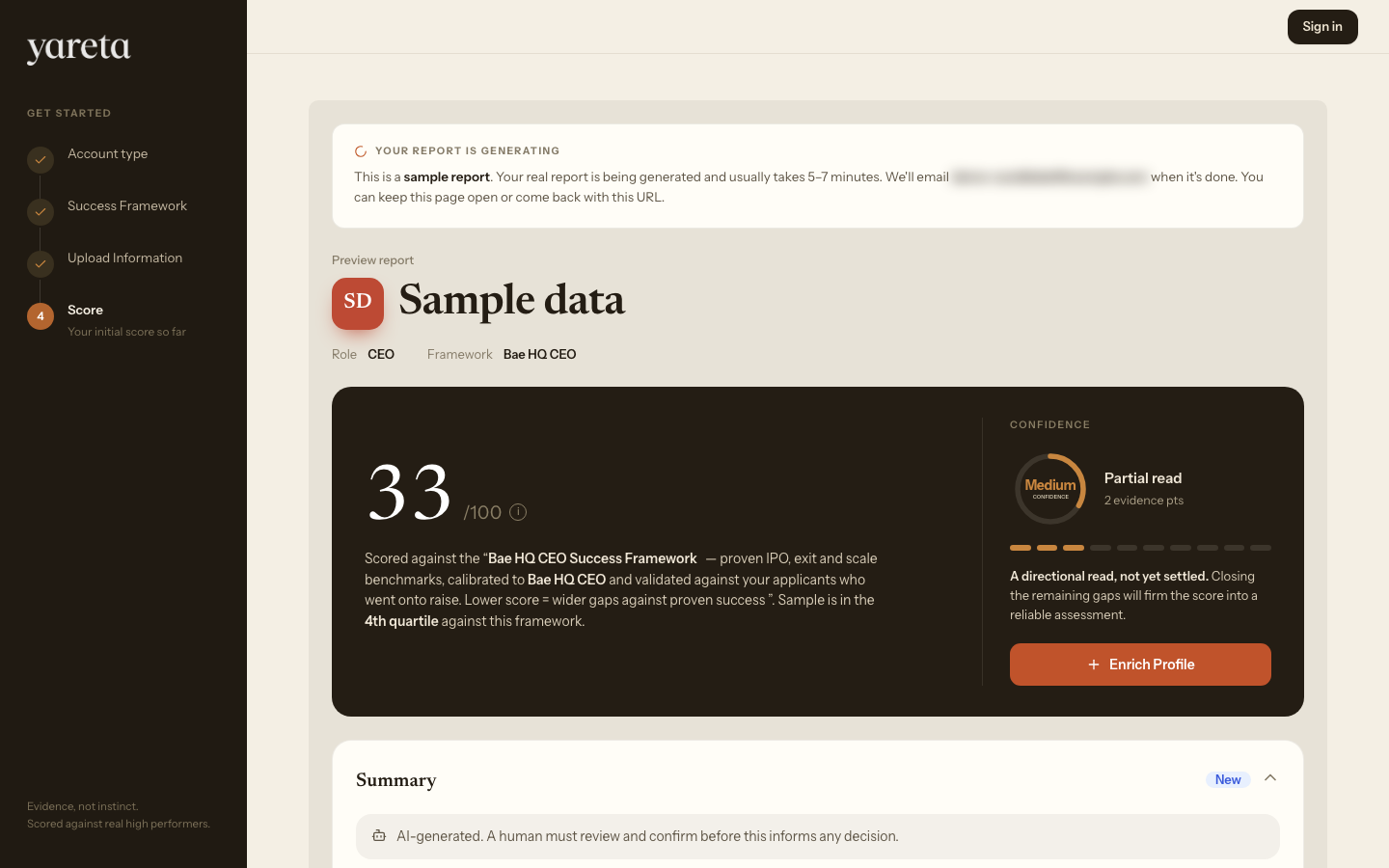
Investor Playground (same four steps, investor wording):
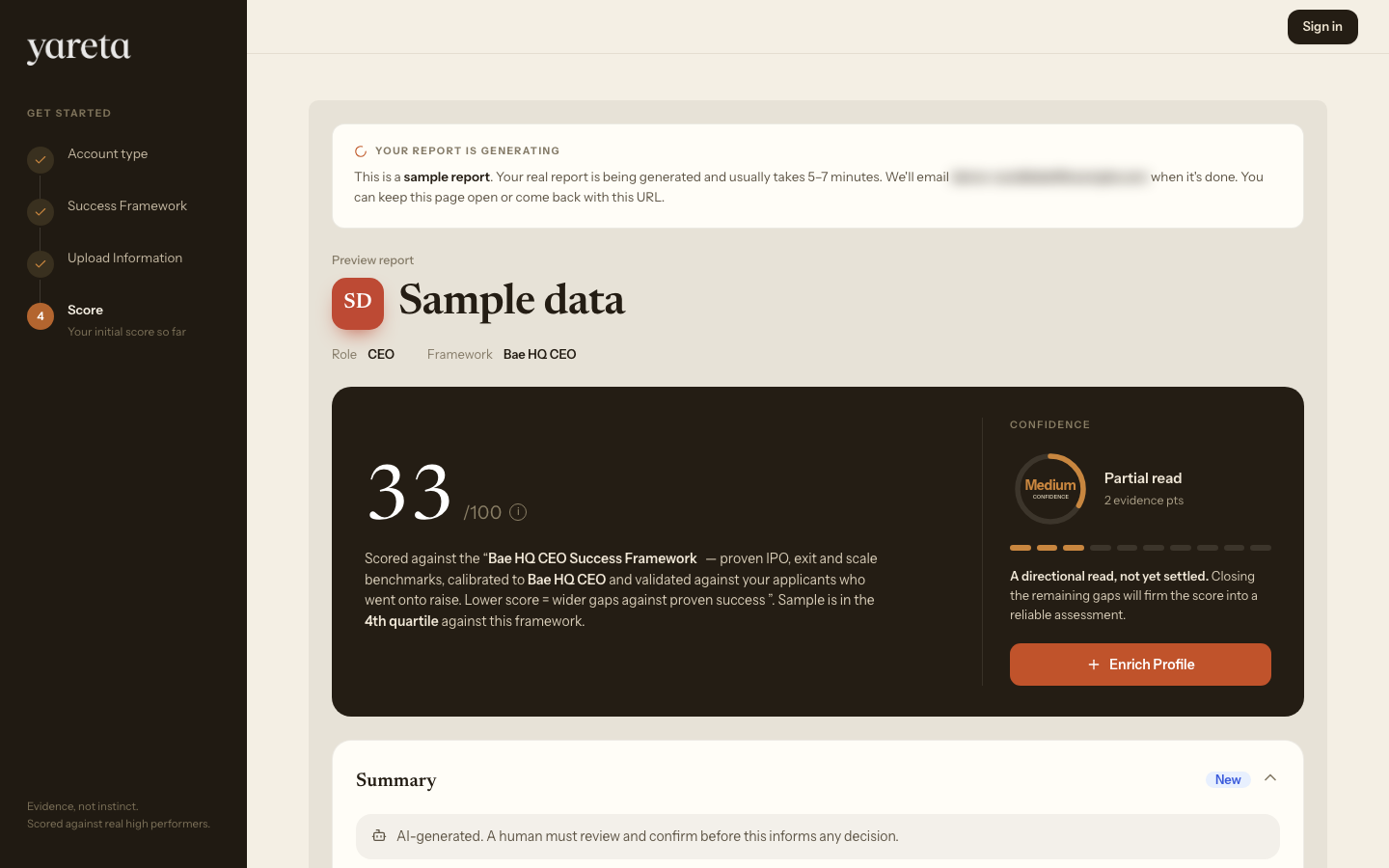
Individual / founder path:
Full step-by-step with every screen: Playground guide.
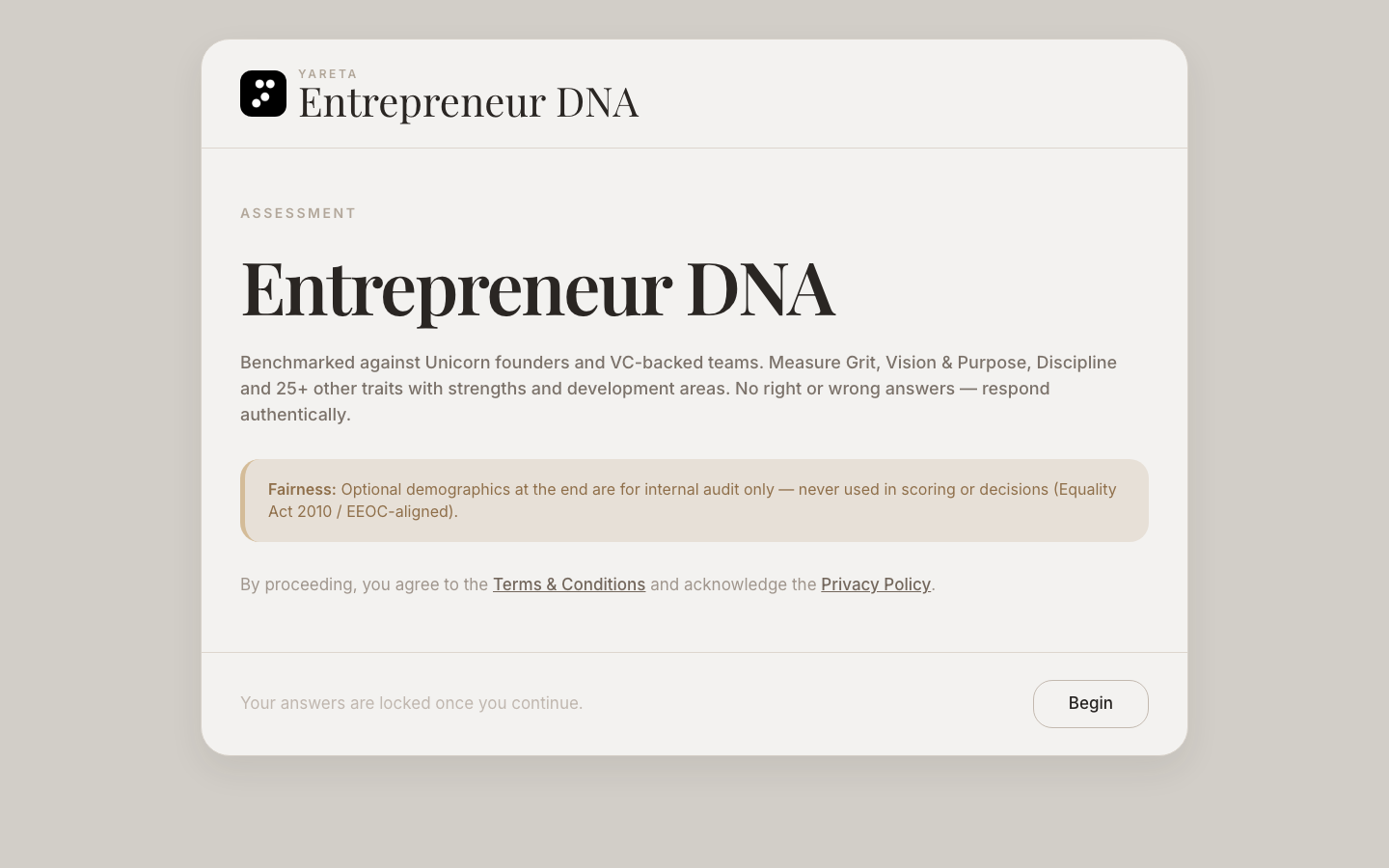
Public assessment (separate from Playground): Entrepreneur DNA at /entrepreneur-dna.
2. Sign up / sign in
Go to app.yareta.ai/auth. You are redirected to Yareta sign-in.
- Accept terms if asked.
- Use Google, Microsoft, or email.
- Email path: Send code → 6-digit code from your inbox → Verify and sign in.
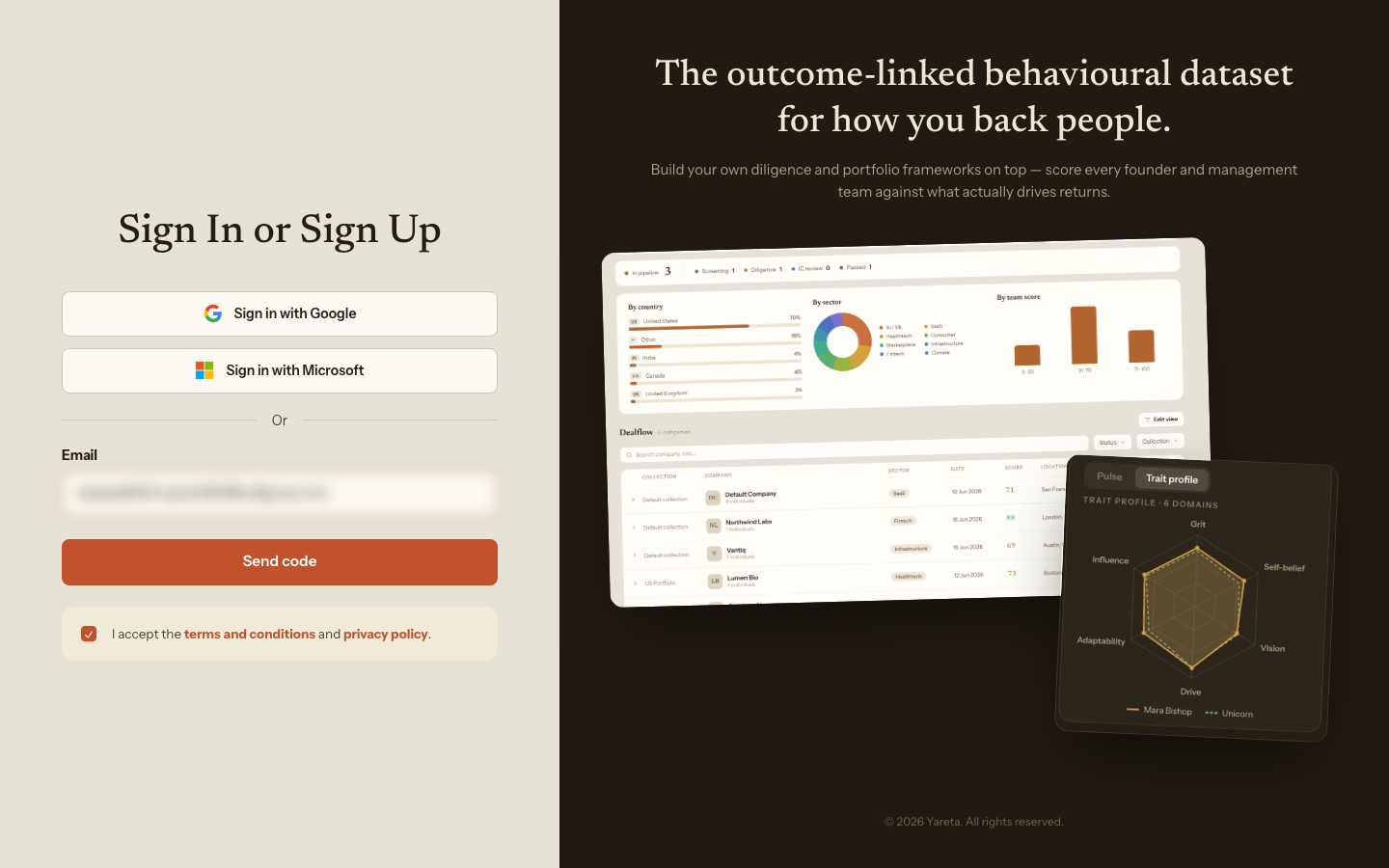
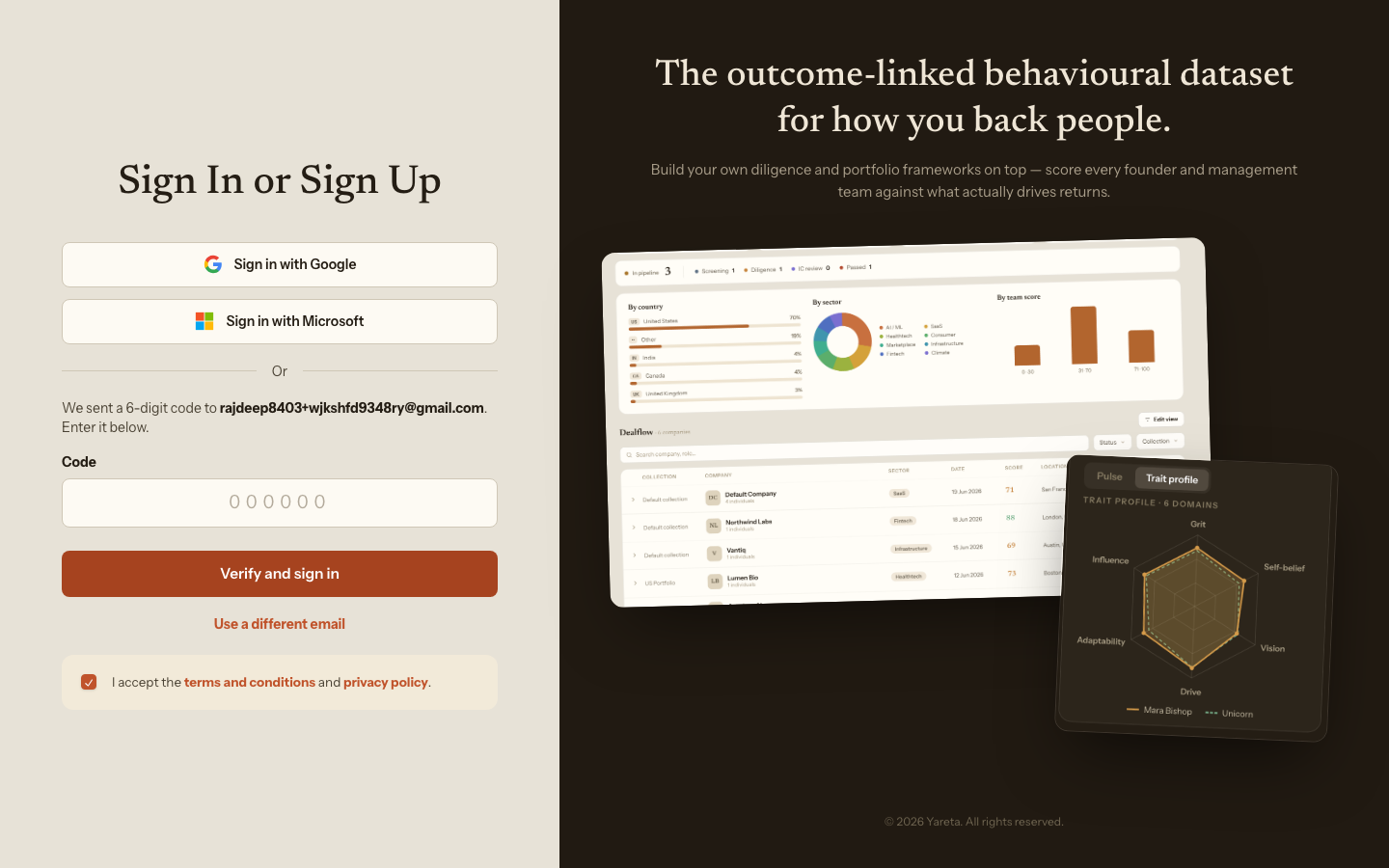
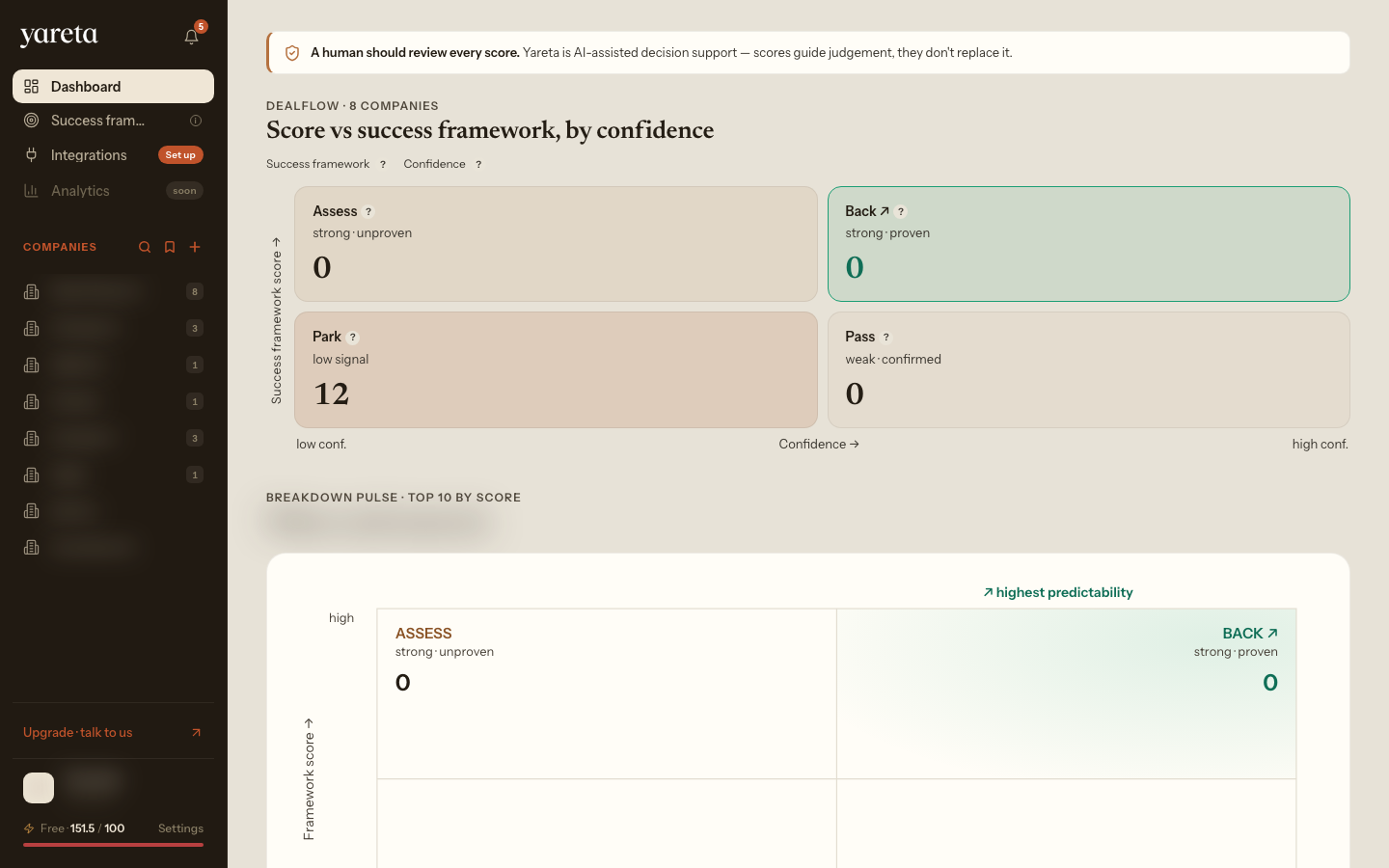
You return to the app on Dashboard (or Playground if you are still exploring).
3. Success Frameworks
Compare people or teams to a bar you chose. Set up or refine your Success Framework before heavy scoring work.
| Route | Workspace |
|---|---|
/investor/benchmark | Investor |
/company/benchmark | Organisation |
/charity/benchmark | Charity |
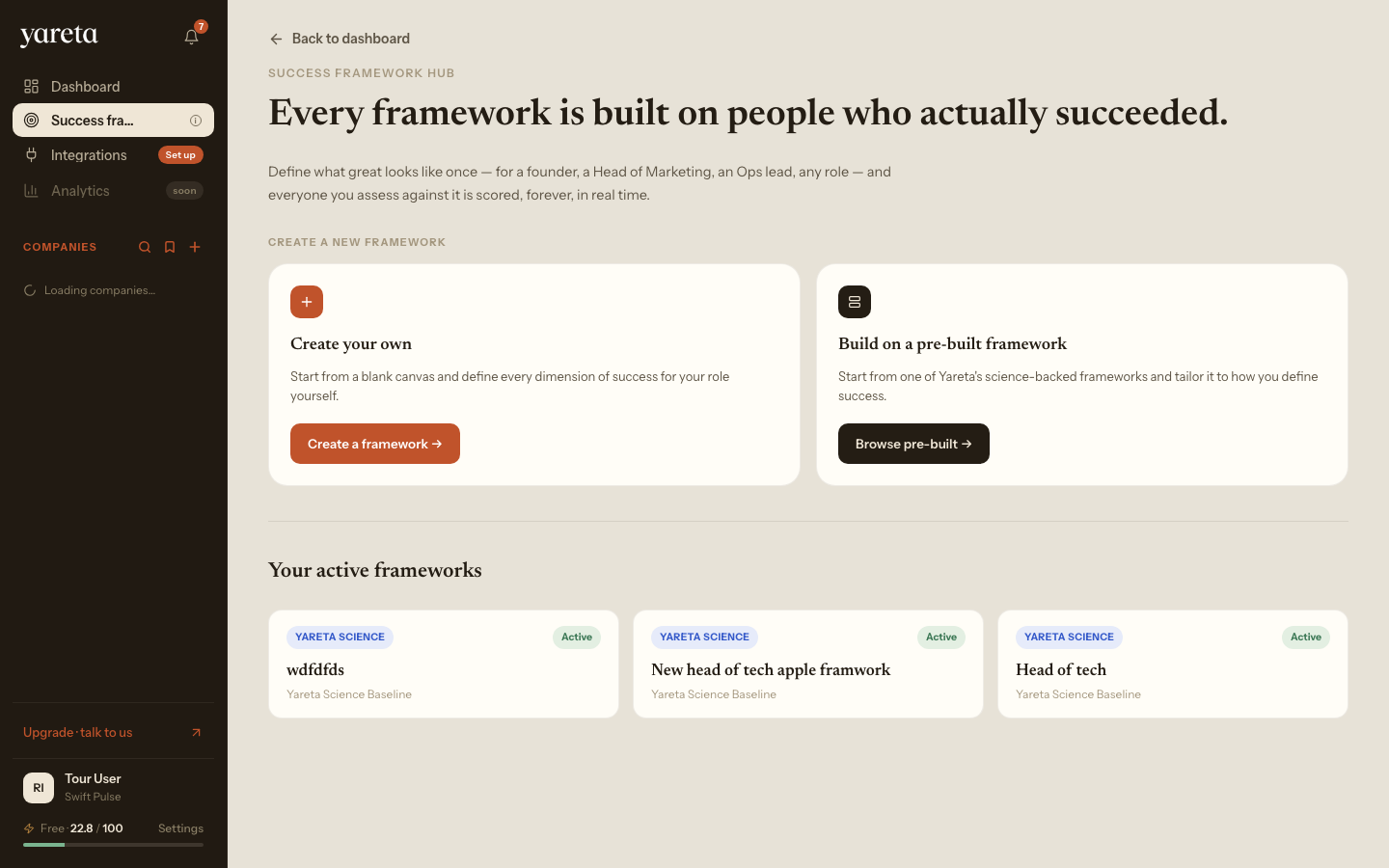
In-app guide: Success Frameworks in the app.
4. Dashboard and workspace picker
After sign-in, layout and labels depend on your account type (investor, organisation, charity, individual). The scoring engine is the same; navigation and templates differ.
Left rail (typical signed-in chrome):
| Control | What it is for |
|---|---|
| Success framework | Define or open the role bar |
| Dashboard | Counts, charts, deal / people table |
| Integrations | CRM, Slack, and other connectors |
| Persona lists | Companies (investor) or teams (organisation) |
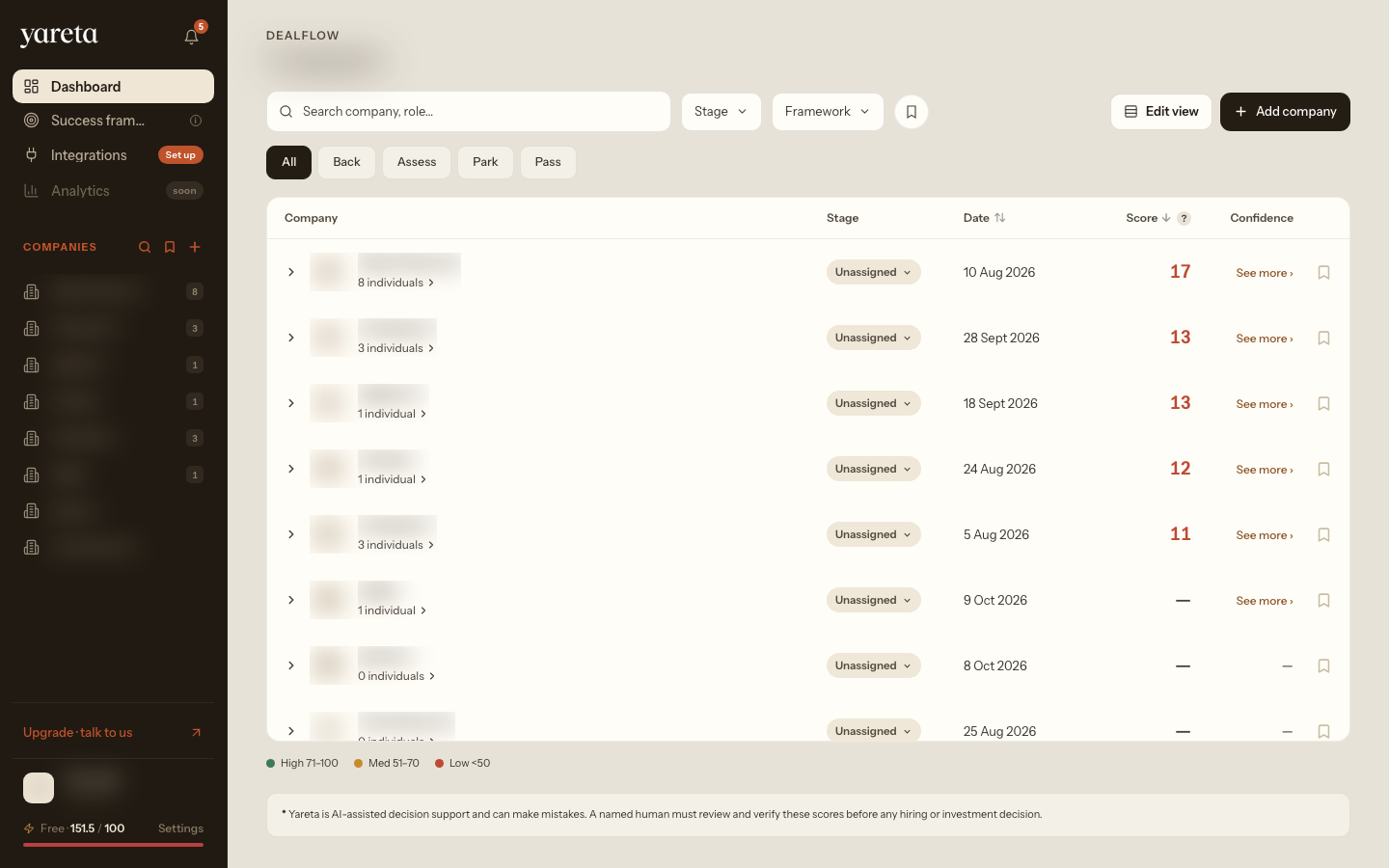
Choose your workspace
Pick the guide that matches your account type (same engine; different navigation):
Fund and portfolio
Organisations
Individual paths
5. Settings
Open Settings from the sidebar footer (not a separate URL). Tabs include General, Notifications, Security, Organization, and Billing.
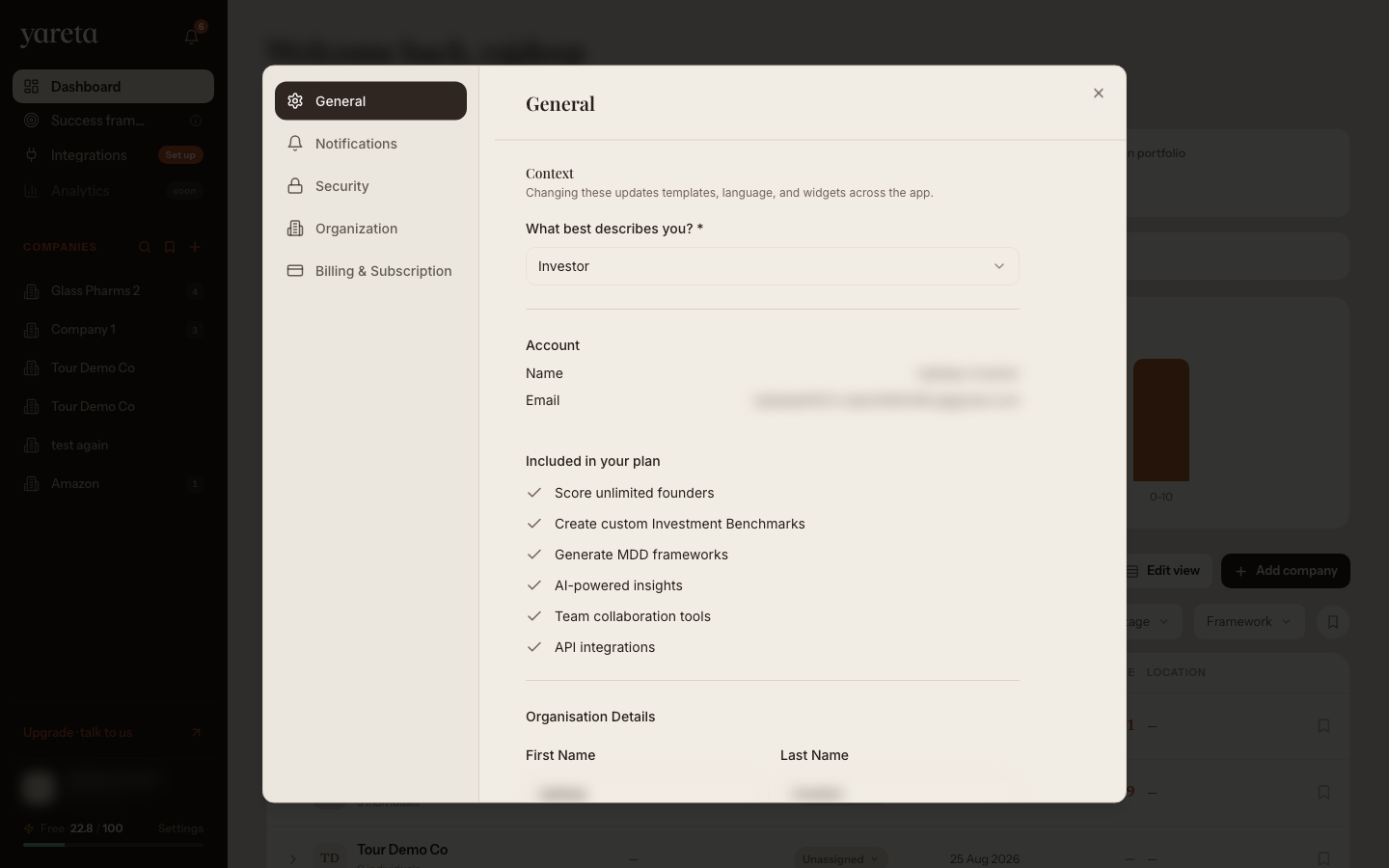
In-app guide: Settings.
Suggested click path (15 minutes)
- Playground → pick account type → run one demo score or benchmark
- Sign in
- Success Frameworks → open hub or create a Success Framework
- Dashboard → open your persona guide from the workspace picker above
- Integrations → connect one CRM or add one record in-app
Product meaning of scores: How scoring works.