
Organisation and charity workspaces
Organisation (hiring and people)
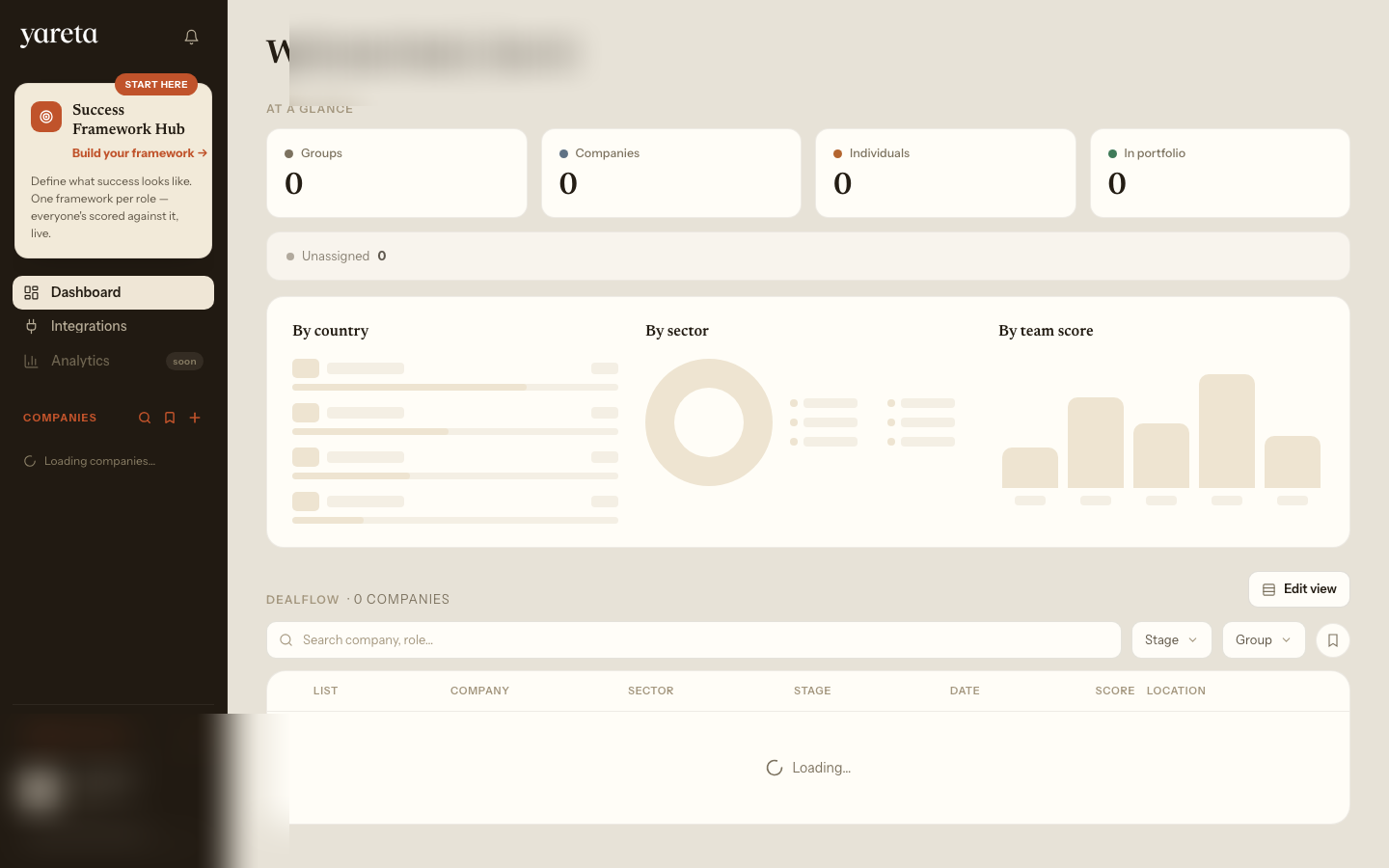
Teams are the unit of work: a role or squad, with candidates scored against a Success Framework. Set up the framework first, because it defines what every candidate is scored against.
Getting started
- Choose or create a Success Framework (
/company/benchmark). Pick a pre-built template or create your own for the role. The editor opens at/dashboard/company/add-role, where you set Requirements, Skills, Competencies, Traits, Culture and Motivation before saving. See Success Frameworks in the app. - Connect your CRM, ATS and tools (
/integrations). This is recommended so candidates and evidence flow in automatically, and outcomes such as hires and performance flow back to calibrate your frameworks. See Integrations in the app. - Create a team or role (
/company/teams) and attach the framework. - Add candidates manually, from jobs or from your CRM.
- Attach evidence: CVs, interview transcripts and notes.
- Send assessment invites where you want higher confidence.
- Open each candidate (
/company/teams/:teamId/:candidateId) for their Success Framework Score, flags, probing questions and interview scoring (/interview-scoring). - Review the team view once several candidates are scored: coverage, concentration, gaps and how candidates would fit together. See Teams.
Routes
| Need | Route |
|---|---|
| Success Frameworks | /company/benchmark |
| Create / edit framework | /dashboard/company/add-role |
| Integrations | /integrations |
| Dashboard | /company/dashboard |
| Teams | /company/teams |
| Team | /company/teams/:teamId |
| Candidate | /company/teams/:teamId/:candidateId |
Charity
Same shape as the organisation workspace, under /charity/.... Charities typically use Yareta-provided frameworks rather than designing their own, so step 1 is choosing from the frameworks available in /charity/benchmark. Use this workspace for selection and development programmes, including executive benchmark profiles, without running a calibration programme.
Shared capabilities
- Integrations (
/integrations)
- Live avatar / interview tools (
/live-avatar), where your plan includes them - MDD builder (
/mdd-builder) for structured management due diligence packs, if enabled