
Playground
The Playground (/playground) is a guided demo of Yareta scoring. You can open it before signing in, pick a path that matches your use case, and see how a Success Framework and evidence turn into a score — without wiring CRM first.
Production work (live funds, real candidates, billed credits) belongs in the signed-in dashboard. Playground preview scores are for illustration; treat workspace reports as the system of record. Older /preview URLs redirect here.
Personal details in screenshots are masked or use demo placeholders.
Step 0 — Landing
Route: /playground
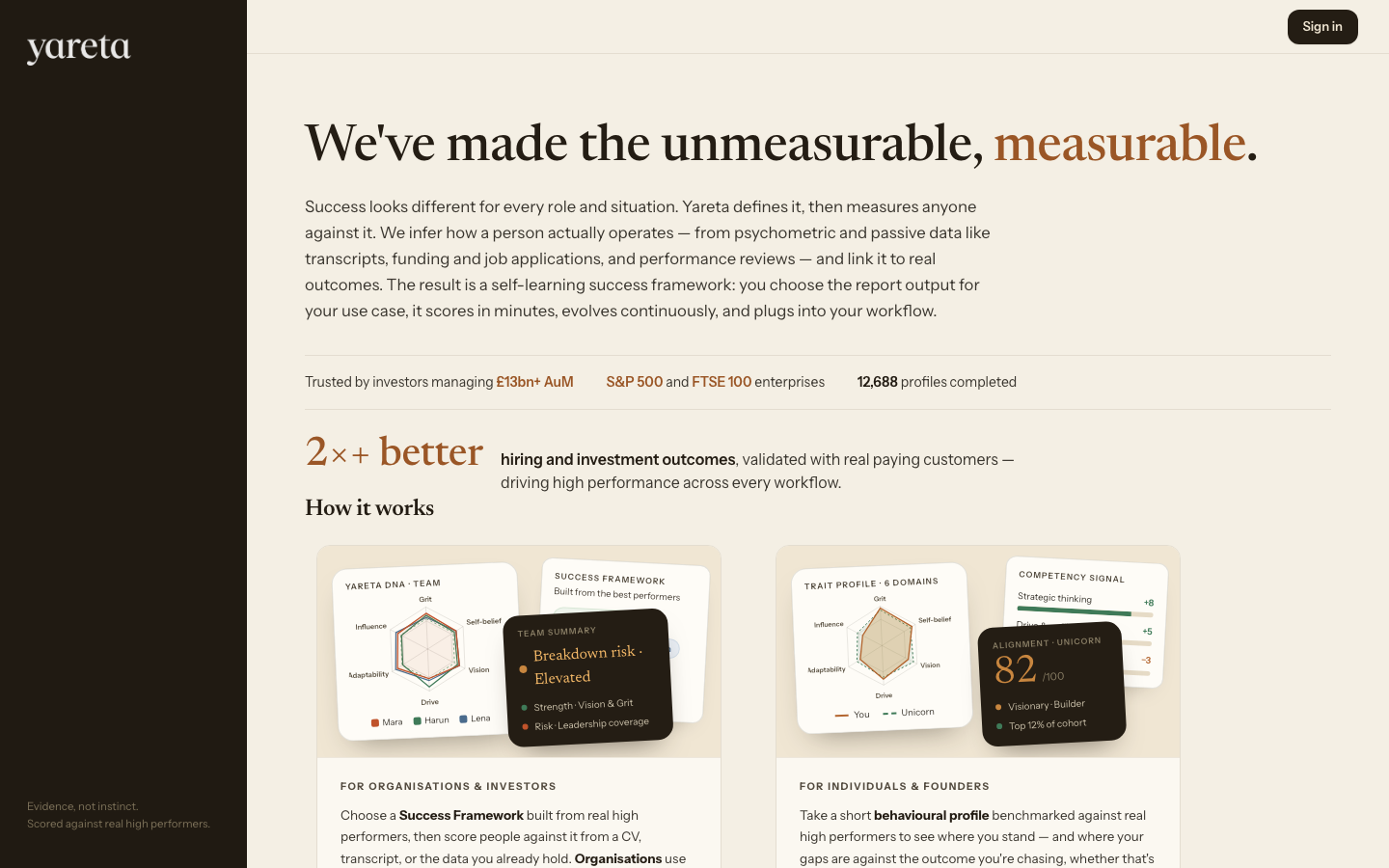
The landing page explains what Yareta measures and how the demo works. Two cards summarise the main paths:
| Card | Who it is for |
|---|---|
| For organisations & investors | Choose a Success Framework built from high performers, then score people against it. |
| For individuals & founders | Take a short behavioural profile benchmarked against top operators. |
Choose Choose your way in → to continue to account type. You can also Sign in from the header if you already have an account.
Step 1 — Account type
Route: /playground/account-type
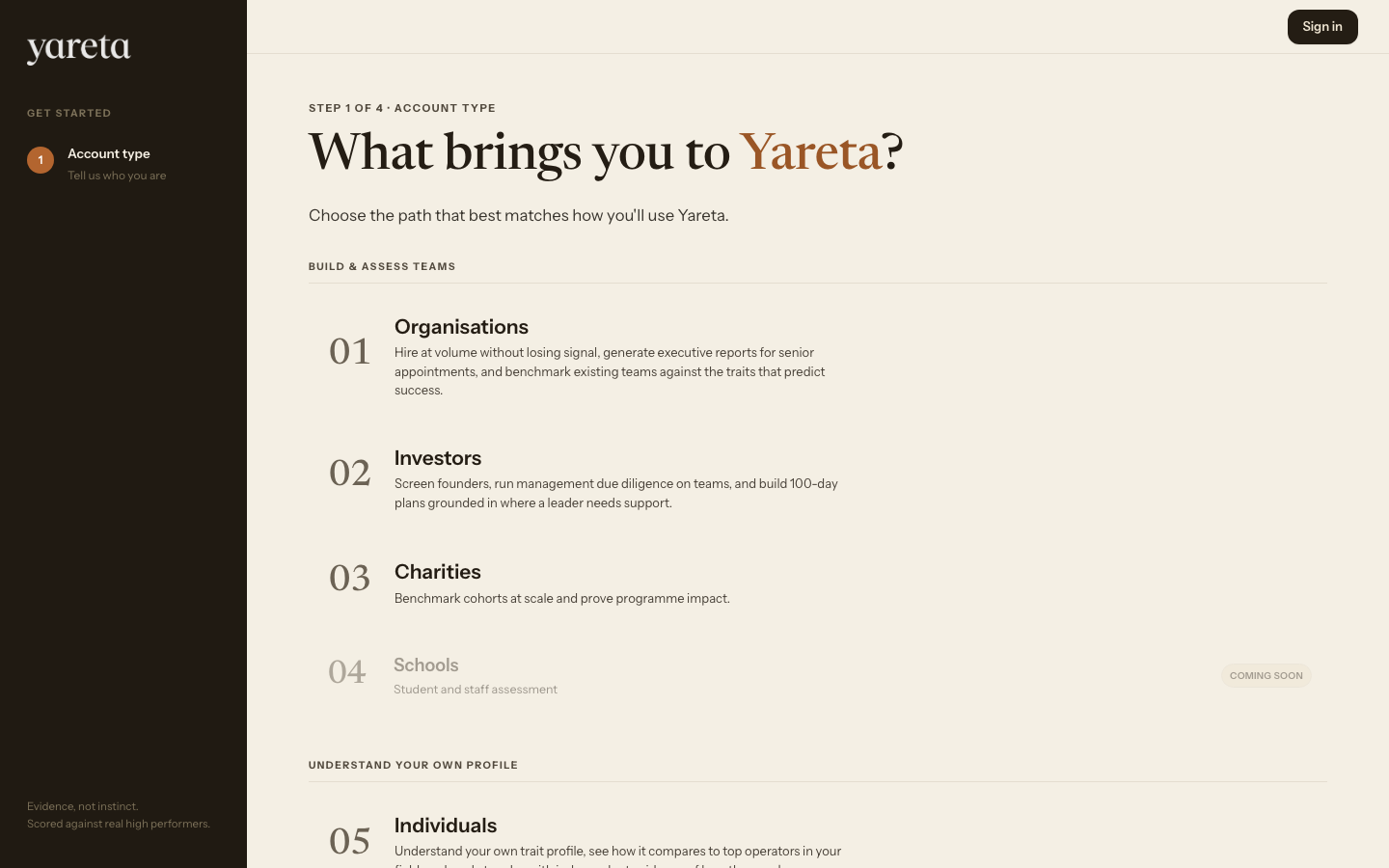
What brings you to Yareta? Pick the option that best matches how you will use the product. This choice sets the demo flow from step 2 onward. It does not replace your real account type after you sign up.
Build & assess teams
| Option | Demo route | What you will see |
|---|---|---|
| Organisations | /playground/company | Hire at volume, executive reports, team benchmarking |
| Investors | /playground/investor | Founder screening, management due diligence |
| Charities | /playground/charity | Cohort benchmarking and programme impact |
Understand your own profile
| Option | Demo route | What you will see |
|---|---|---|
| Individuals | /playground/individual | Your trait profile vs top operators |
| Founders | /playground/individual | Same flow; copy describes raising and scaling |
Organisation, investor, and charity flows
Routes: /playground/company, /playground/investor, /playground/charity
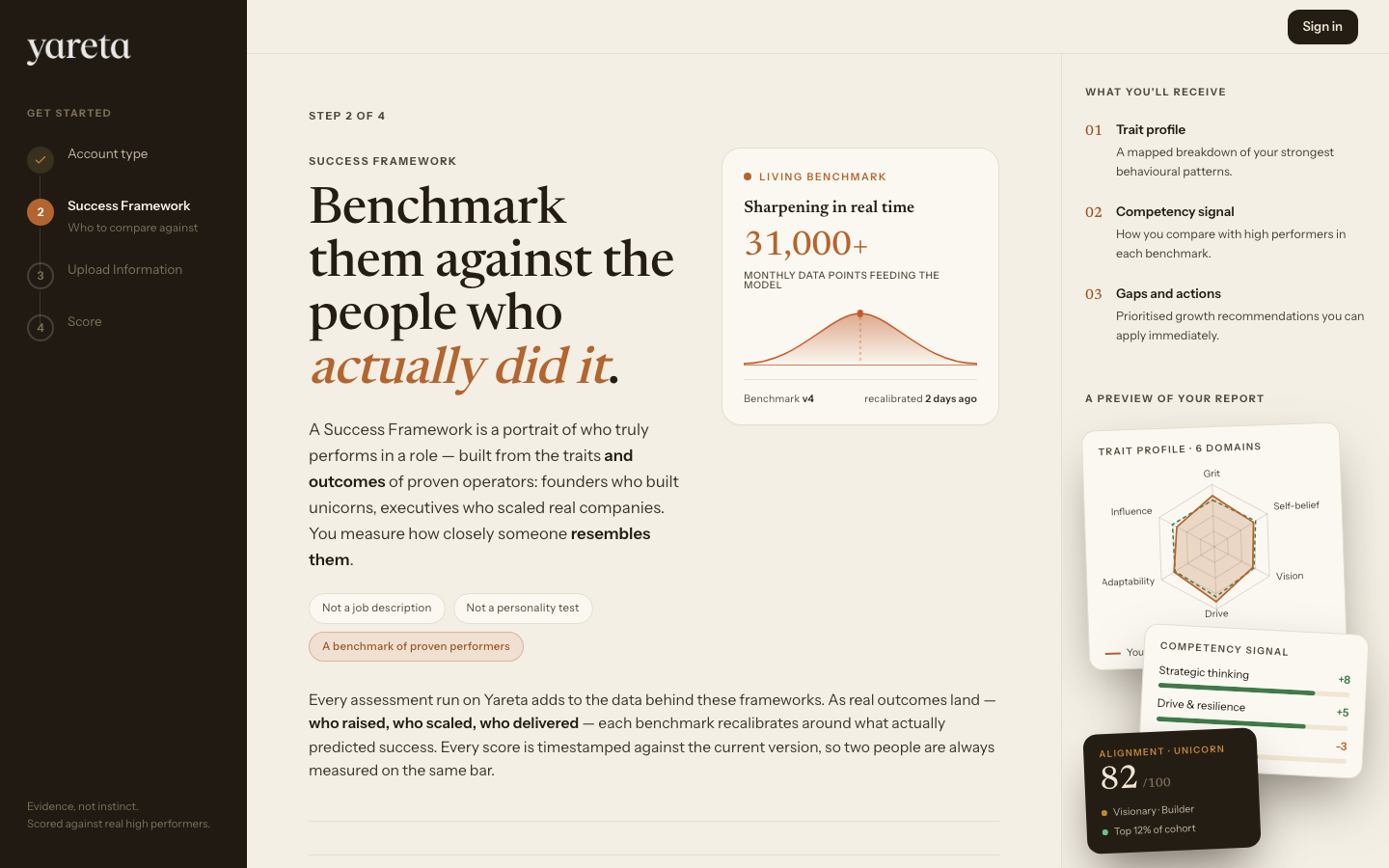
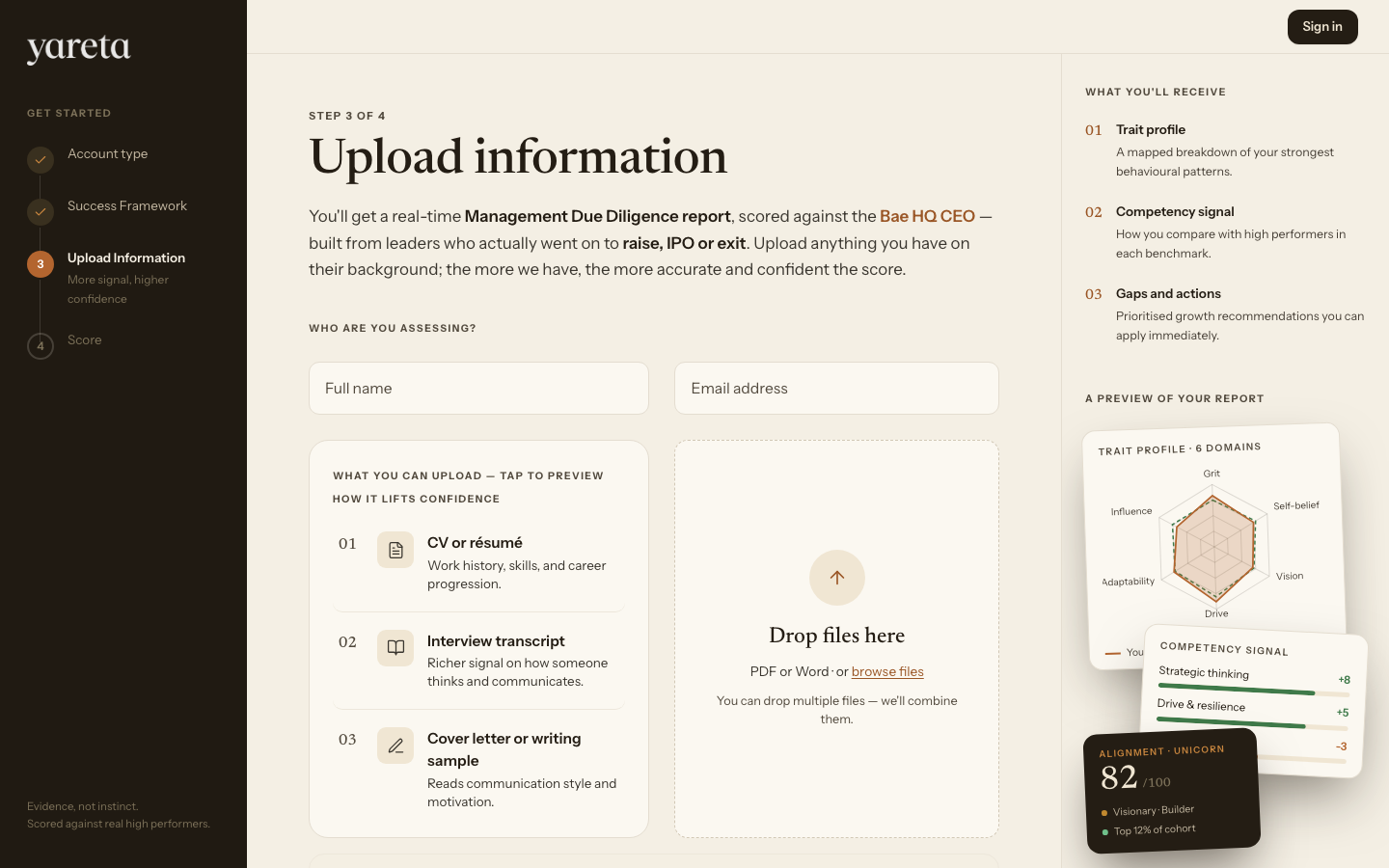
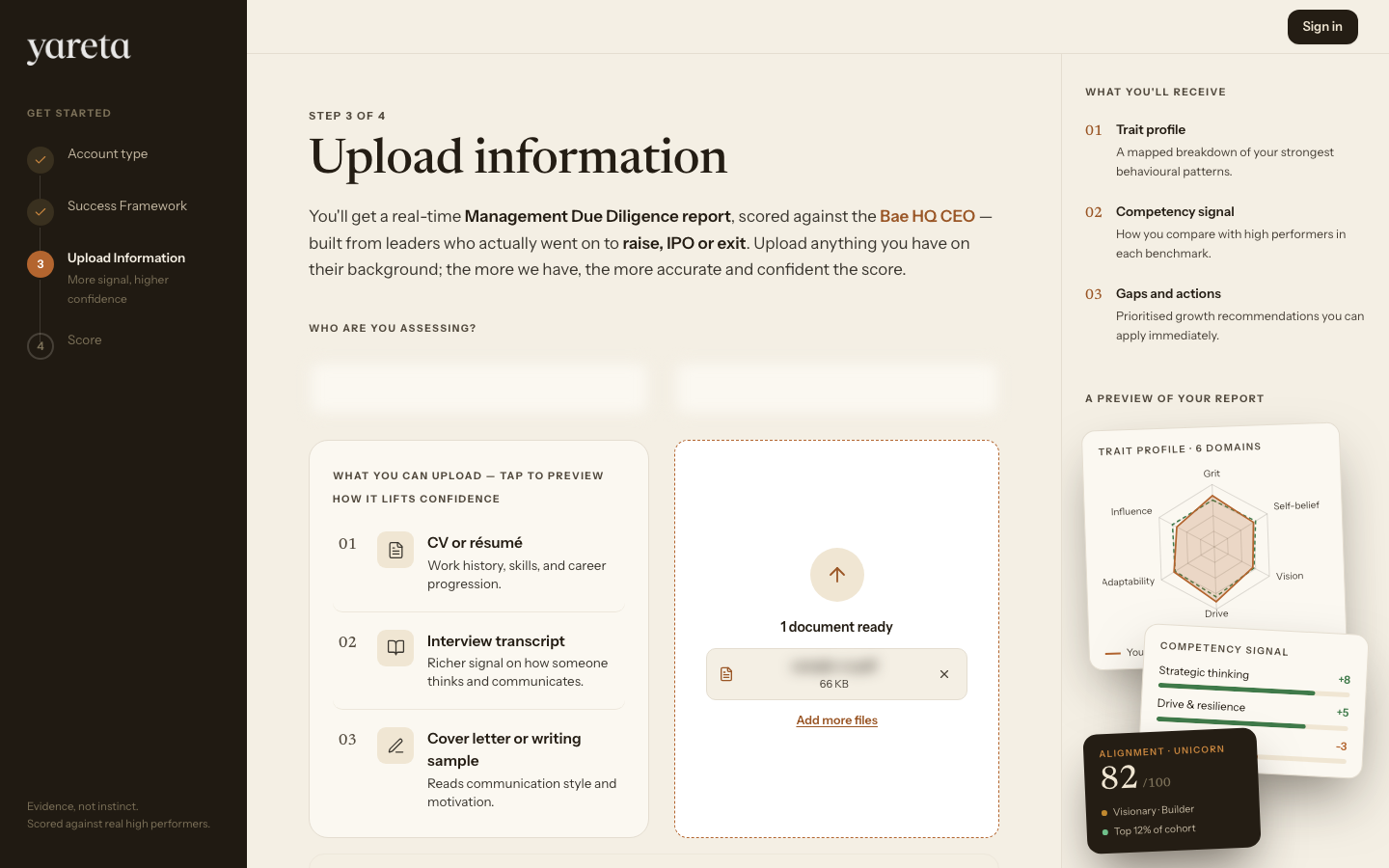
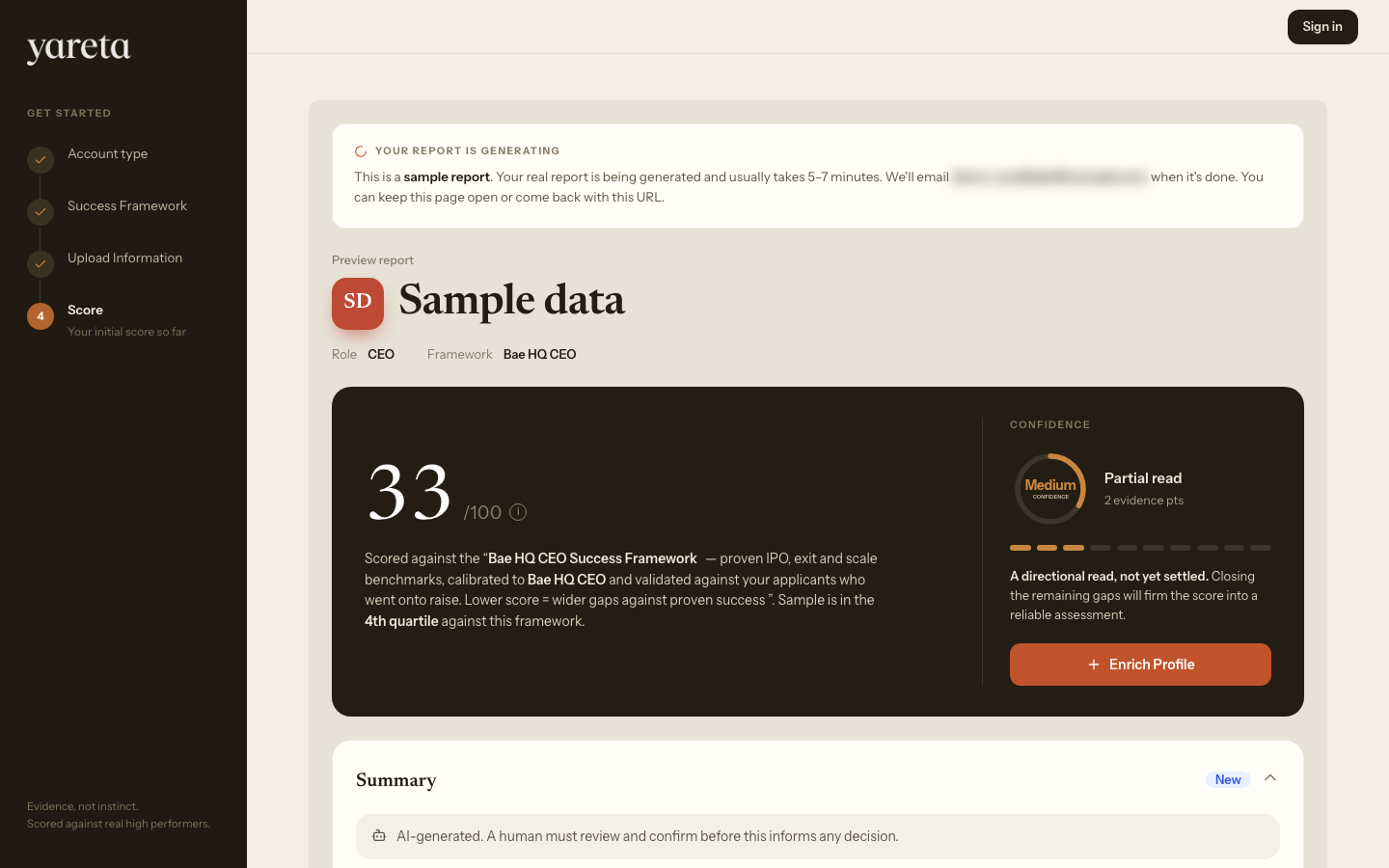
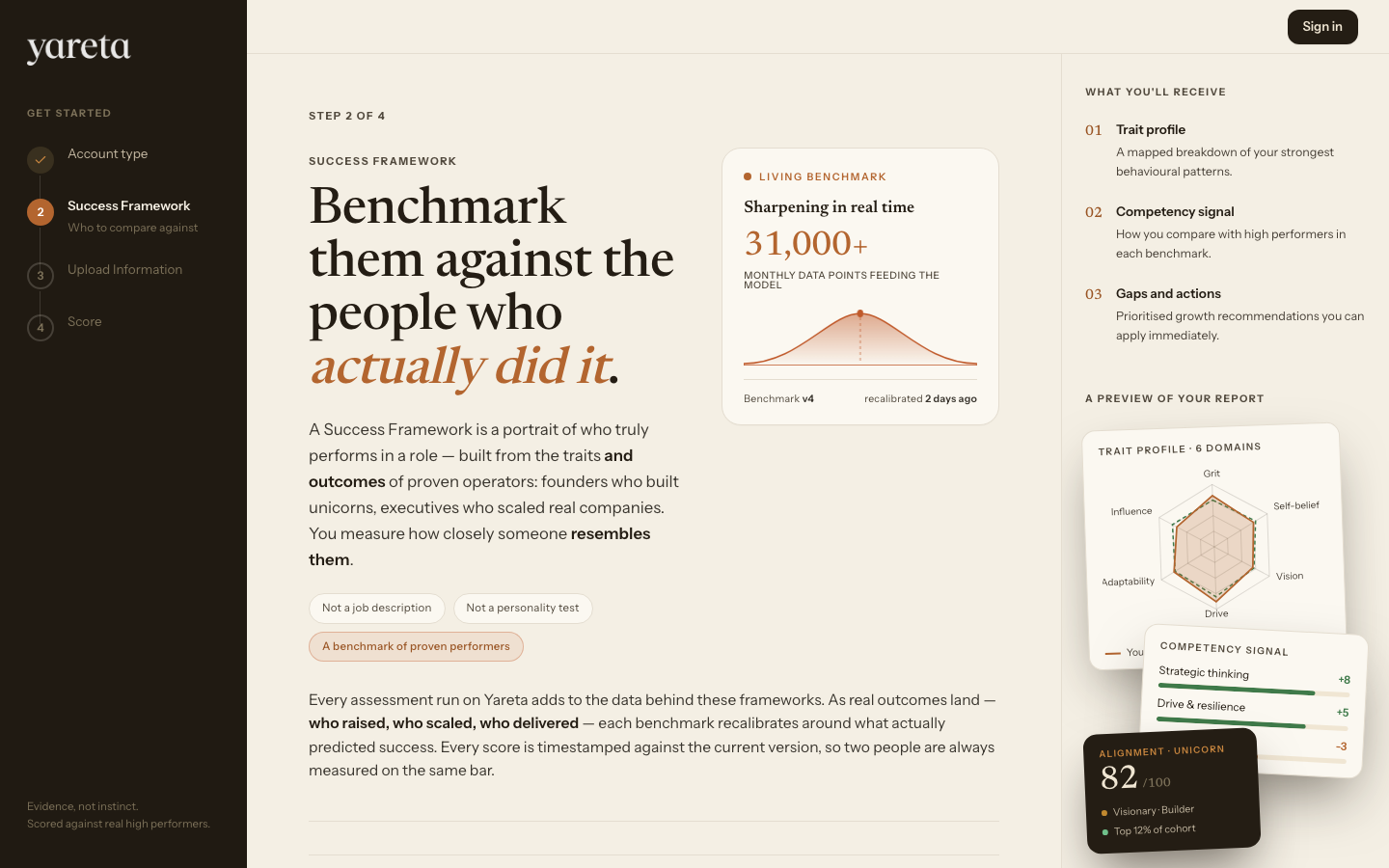
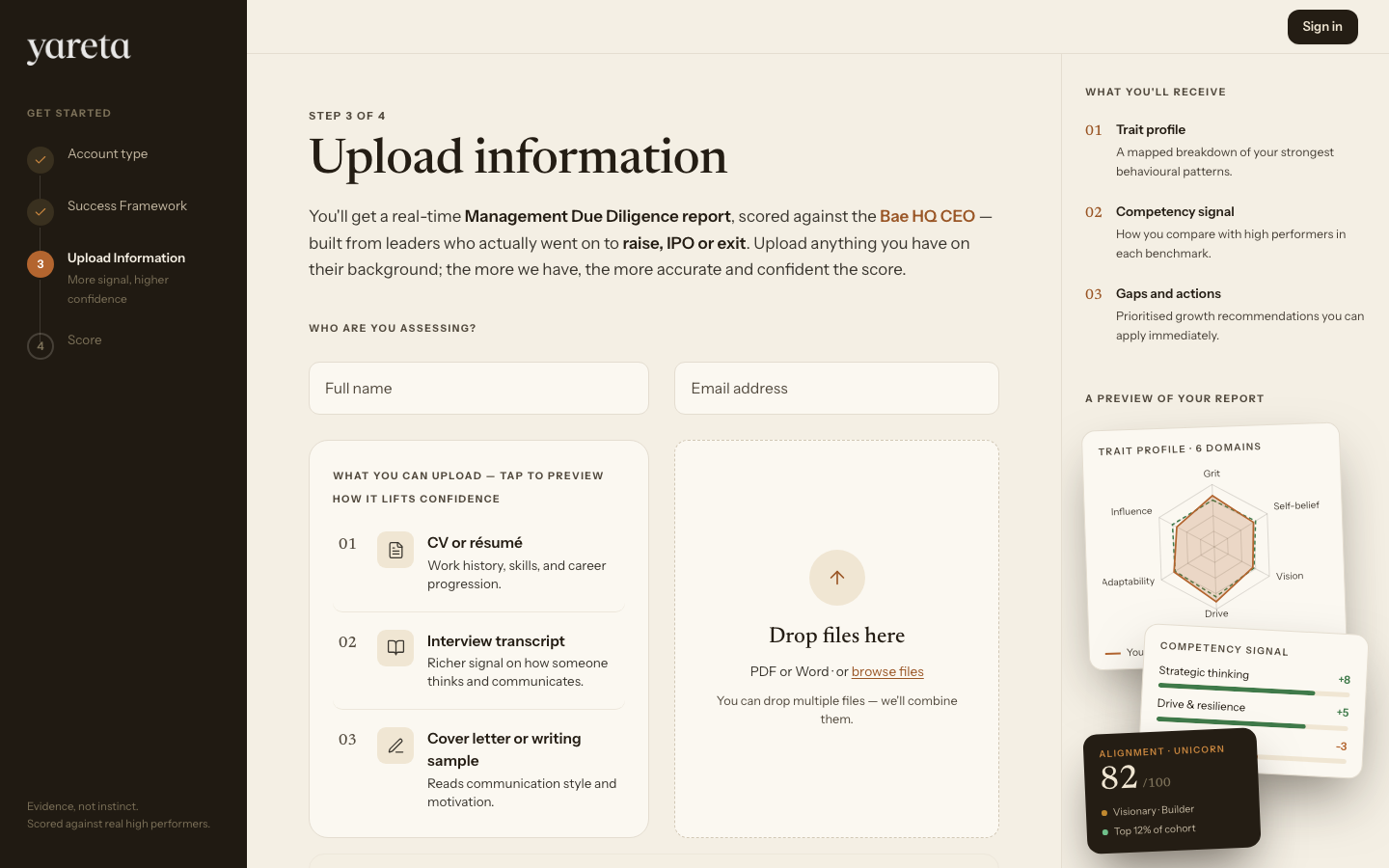
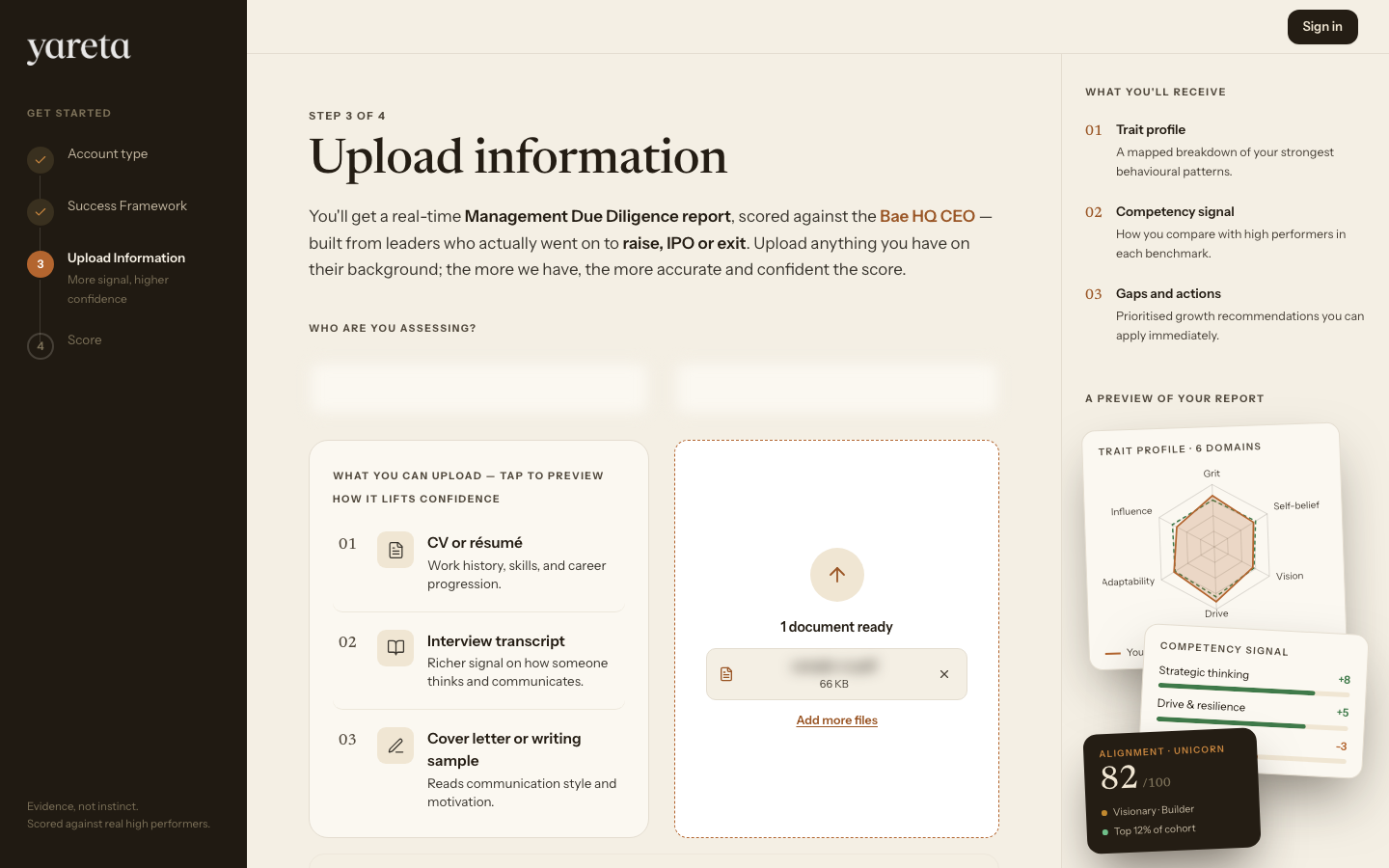
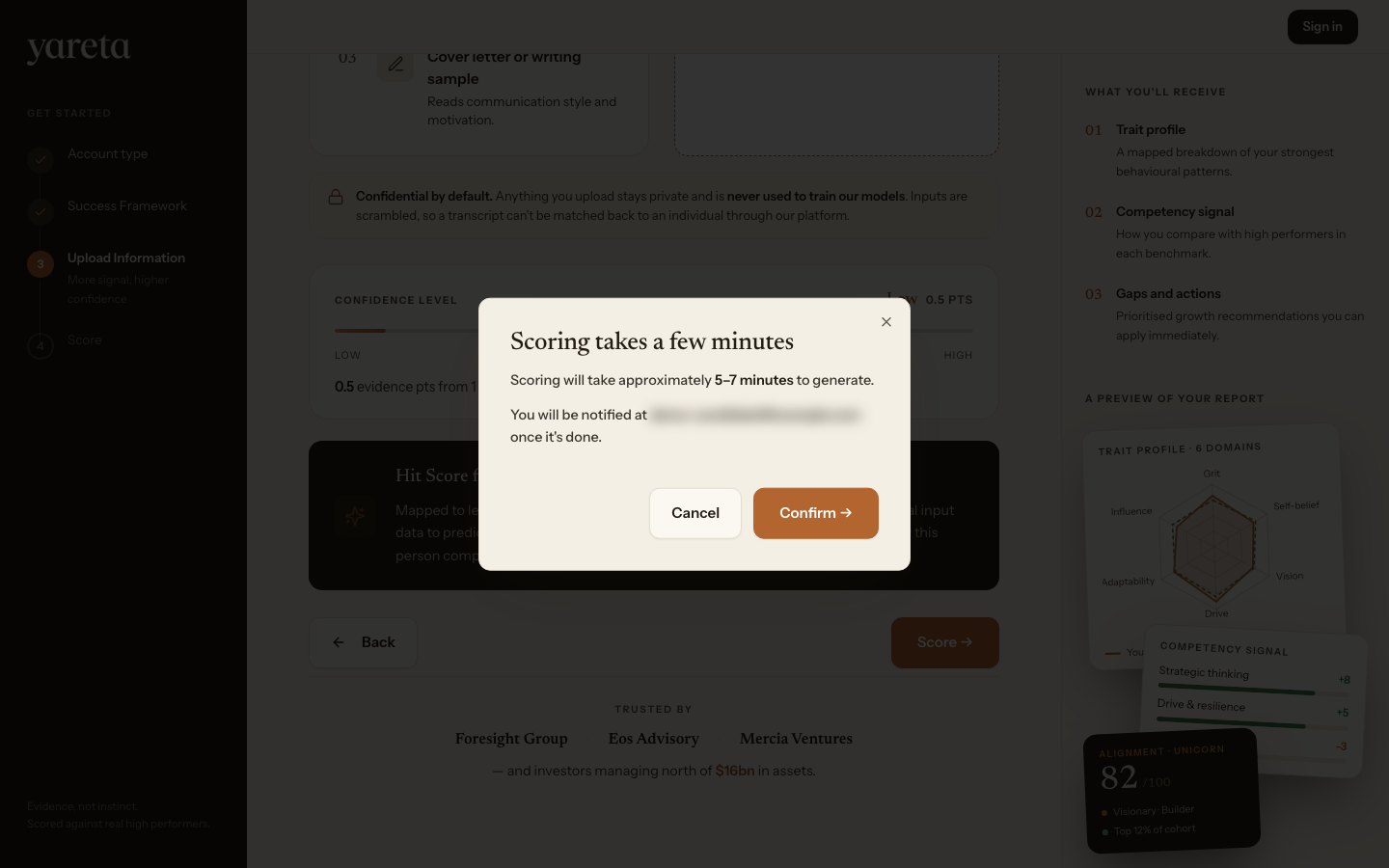
All three team paths follow the same four steps. Wording on the upload step adapts by path (for example founder on investor, participant on charity).
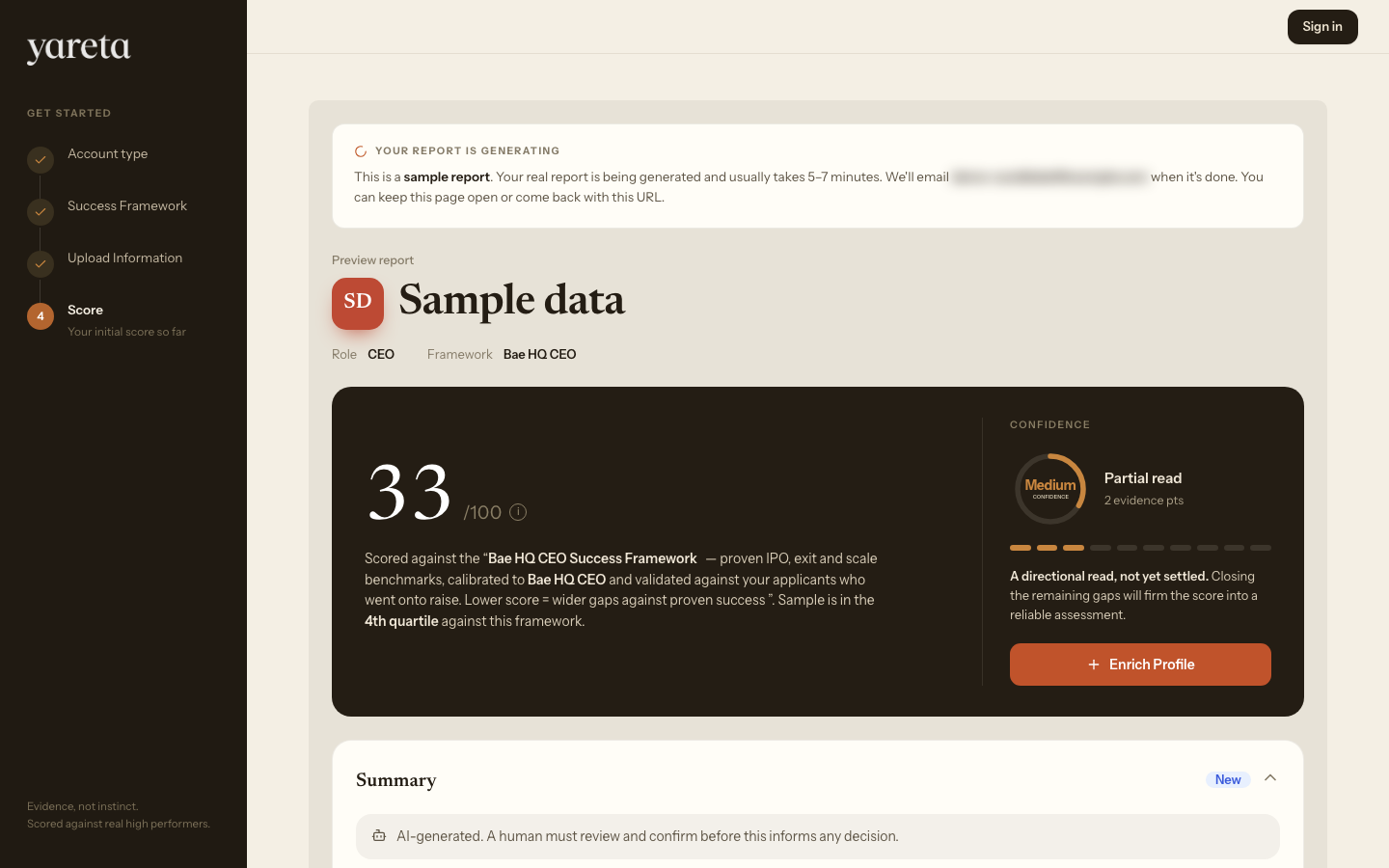
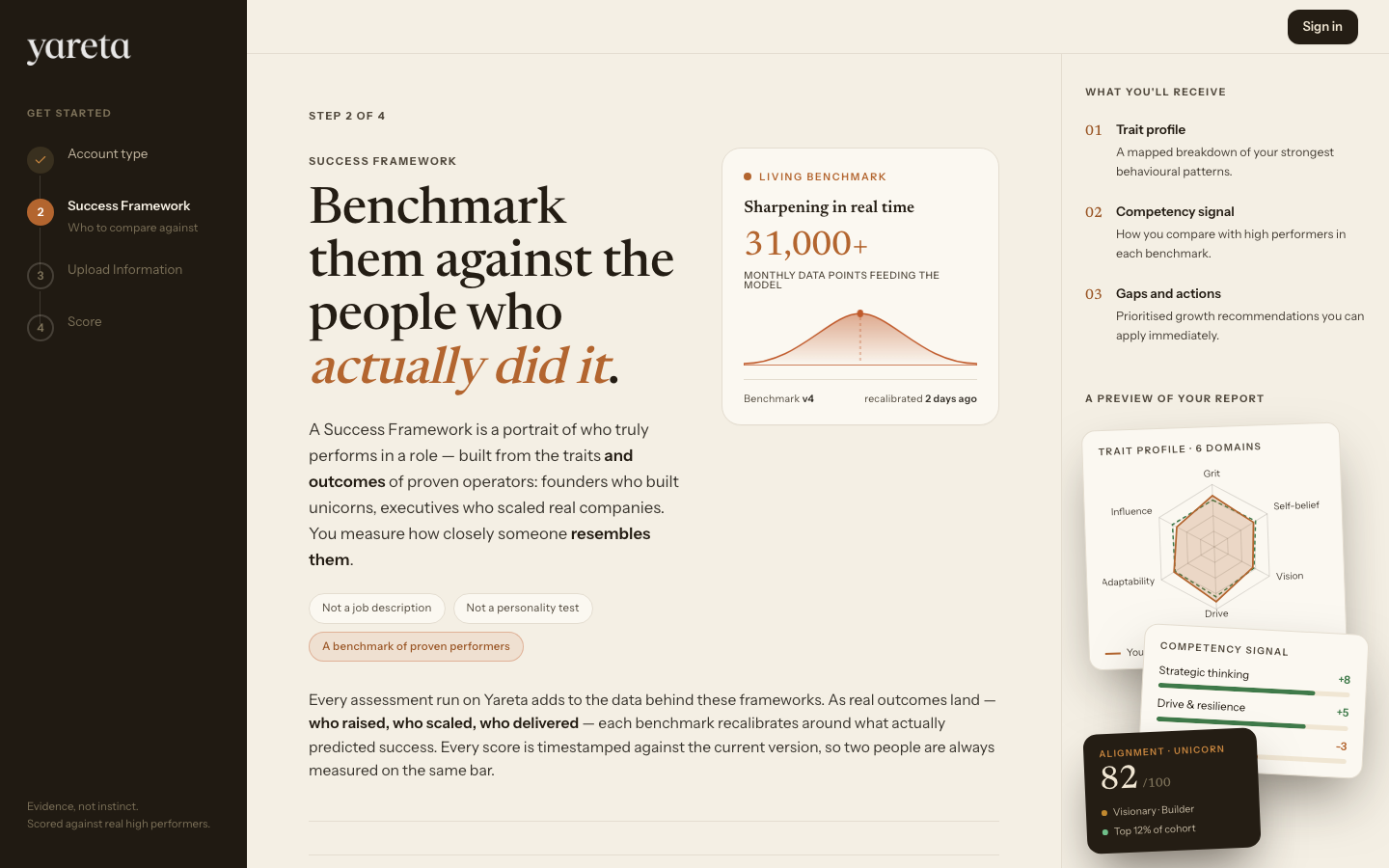
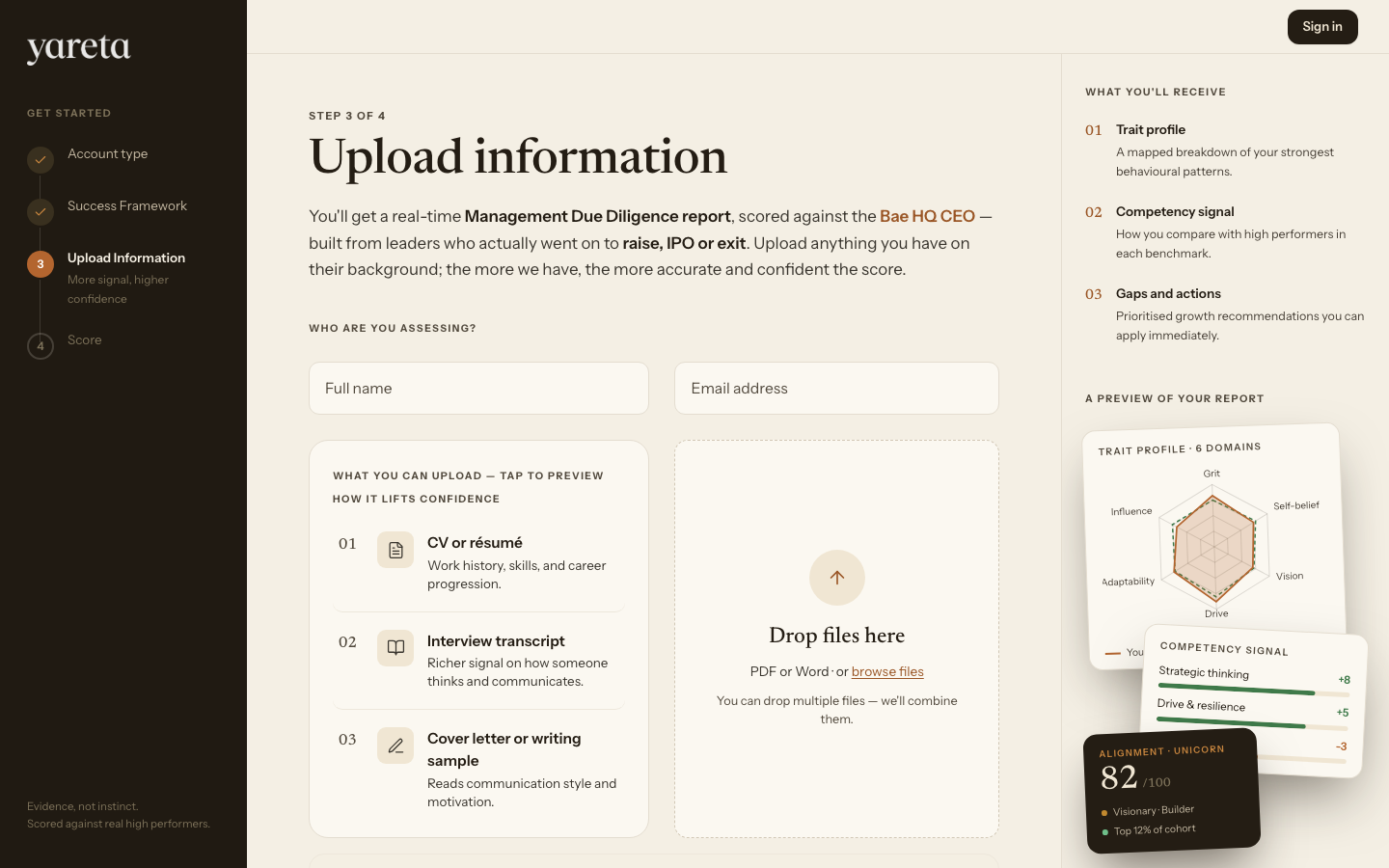
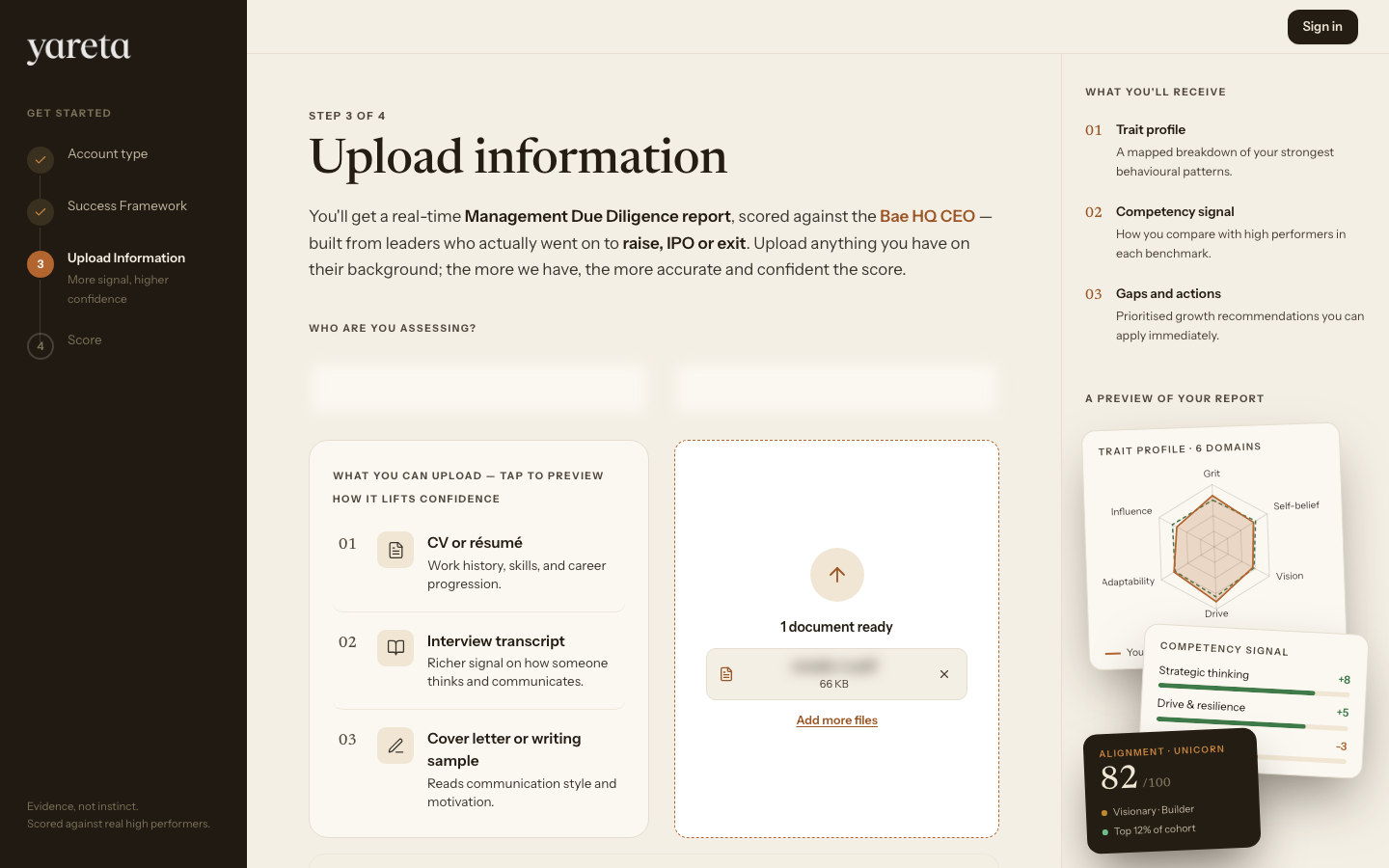
| Step | Title | What you do |
|---|---|---|
| 1 | Account type | Completed on the previous screen |
| 2 | Success Framework | Pick the bar to score against |
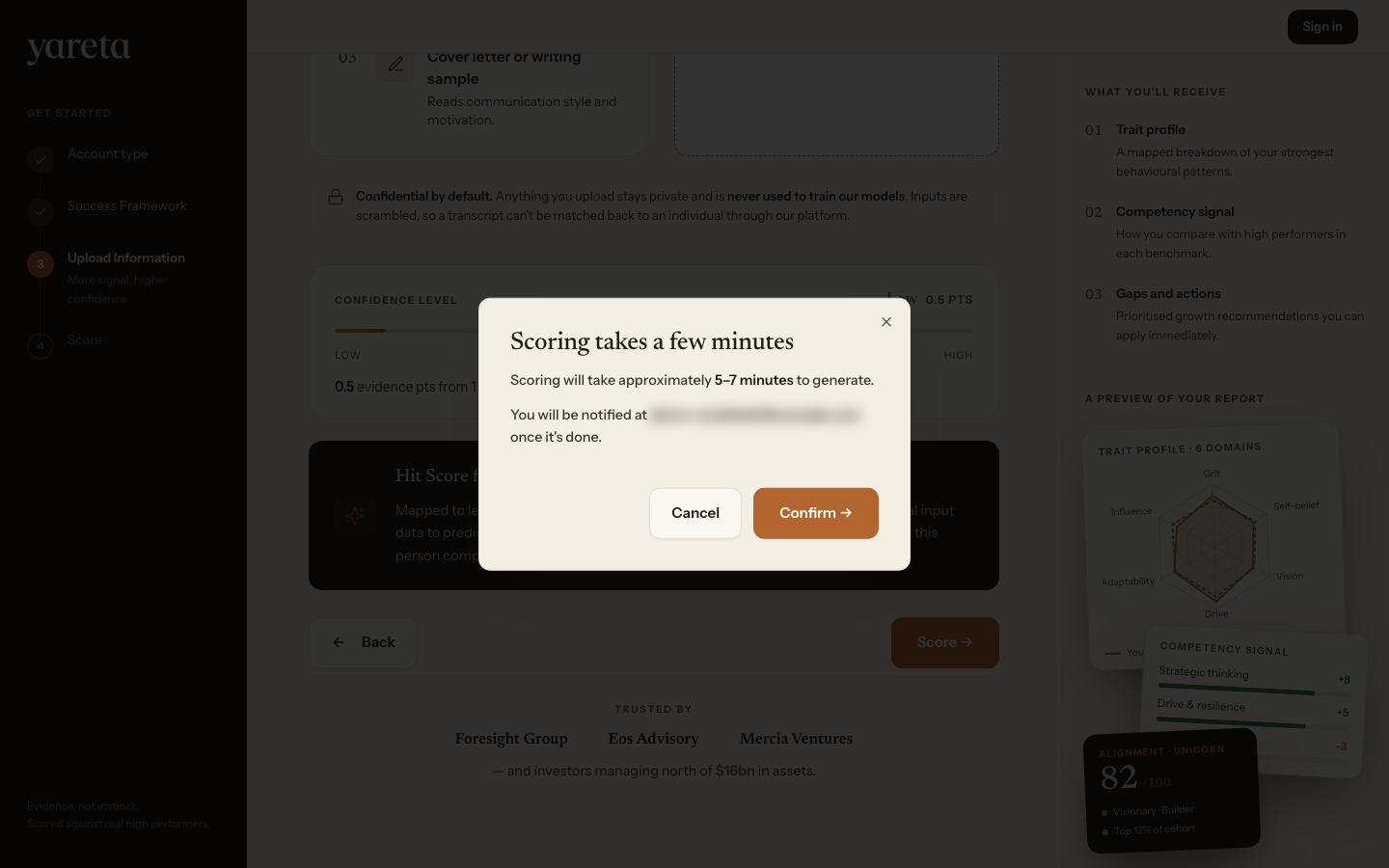
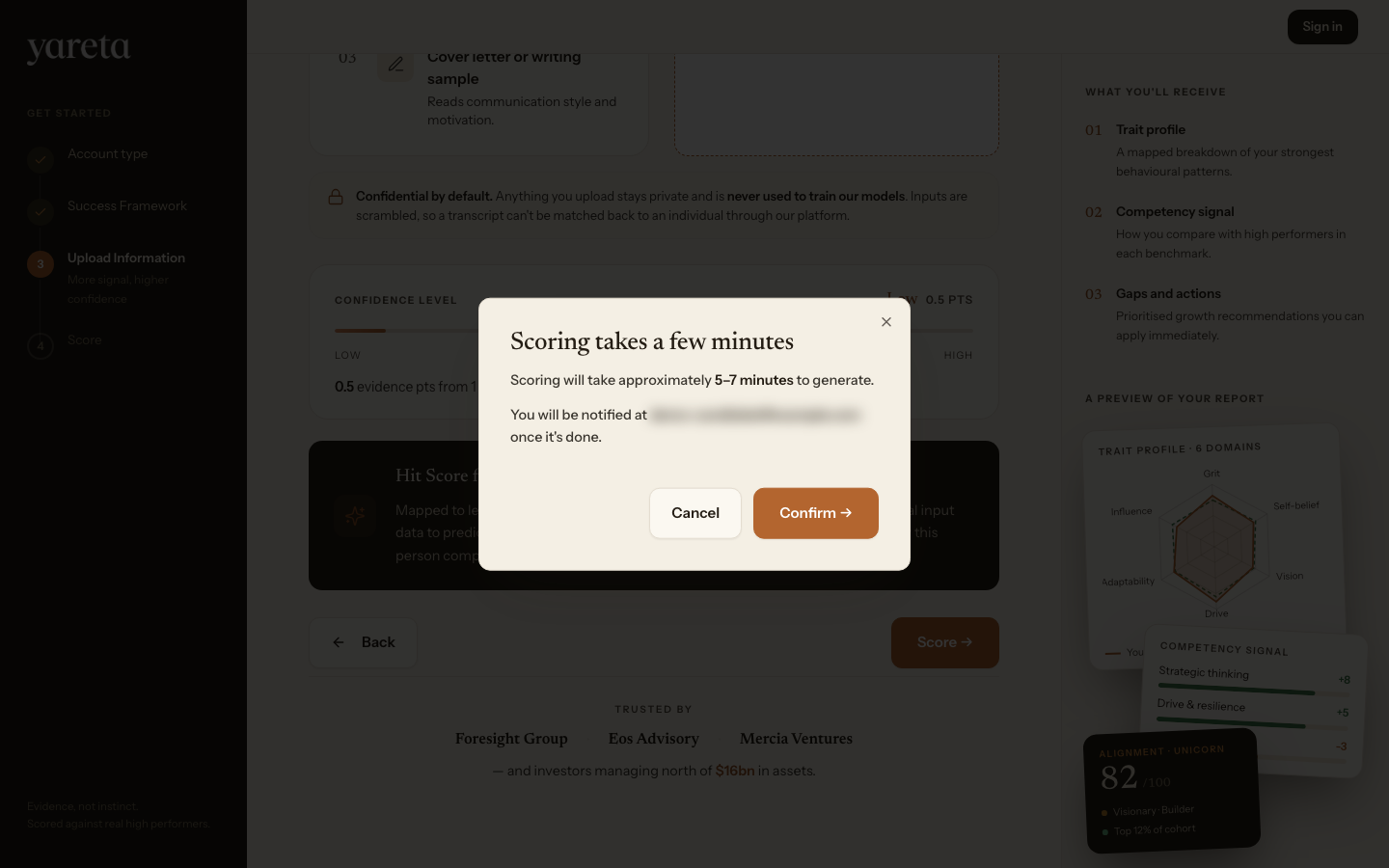
| 3 | Upload information | Add evidence (CV, deck, transcript). Enter name and email. Click Score → and confirm. |
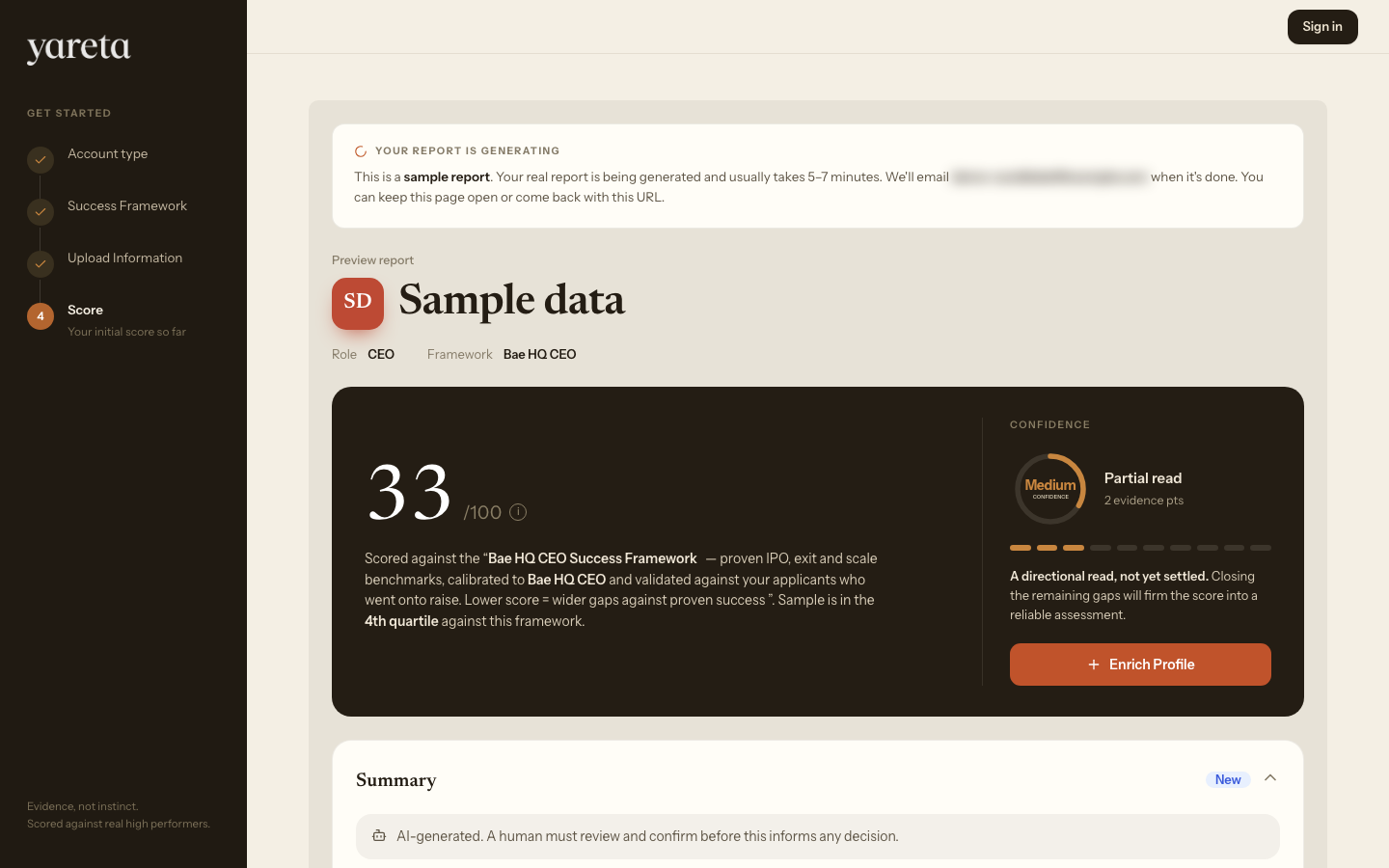
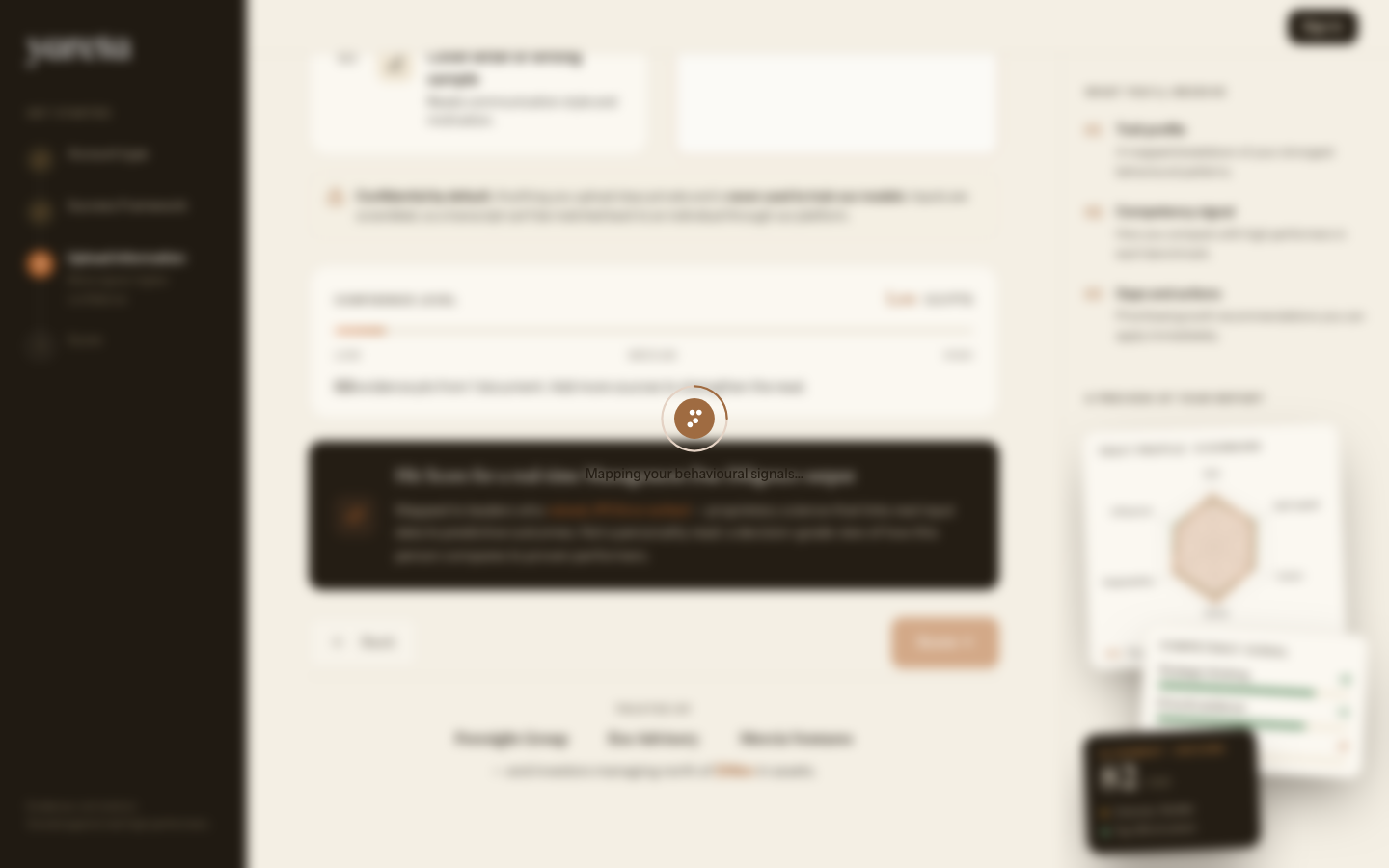
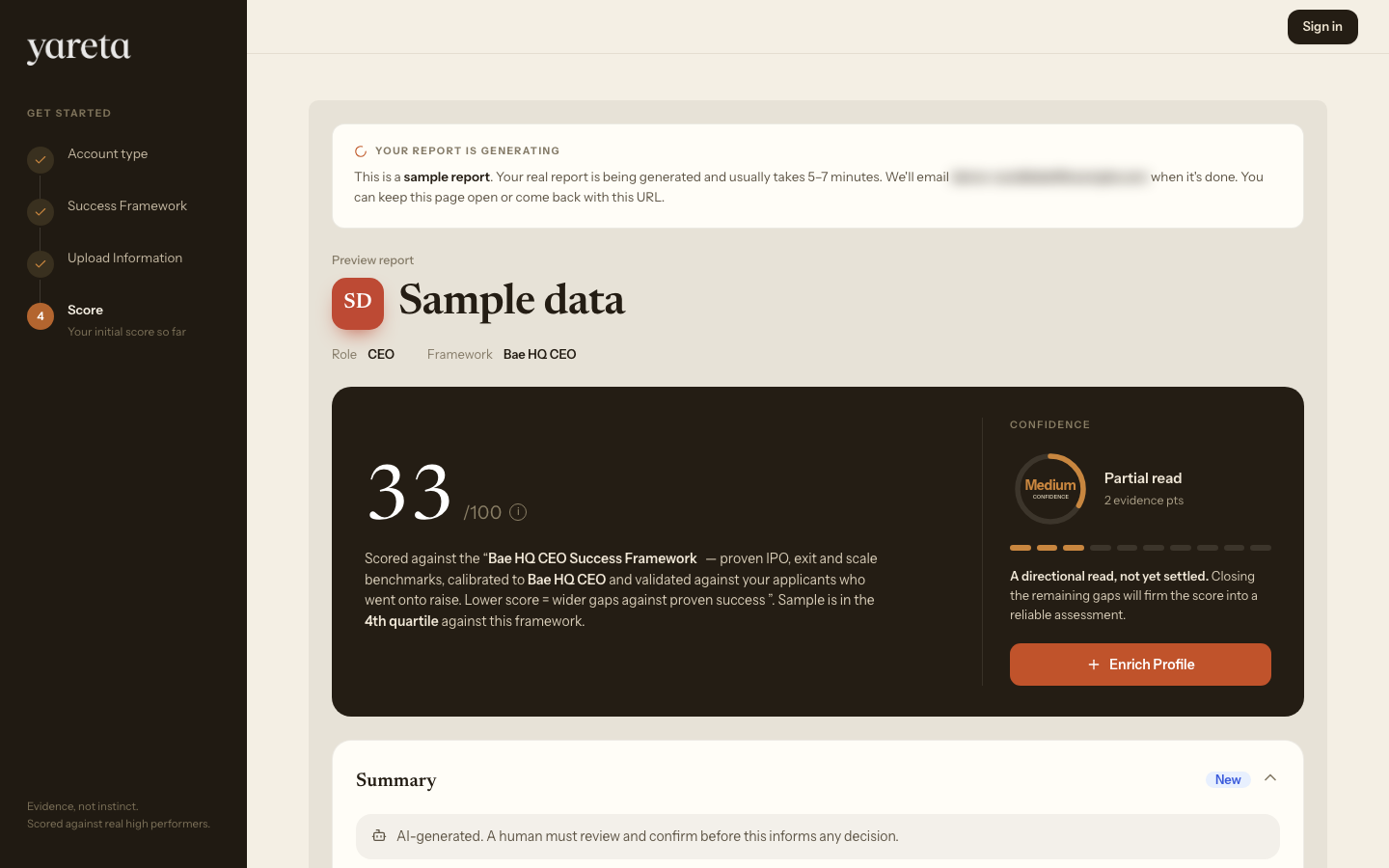
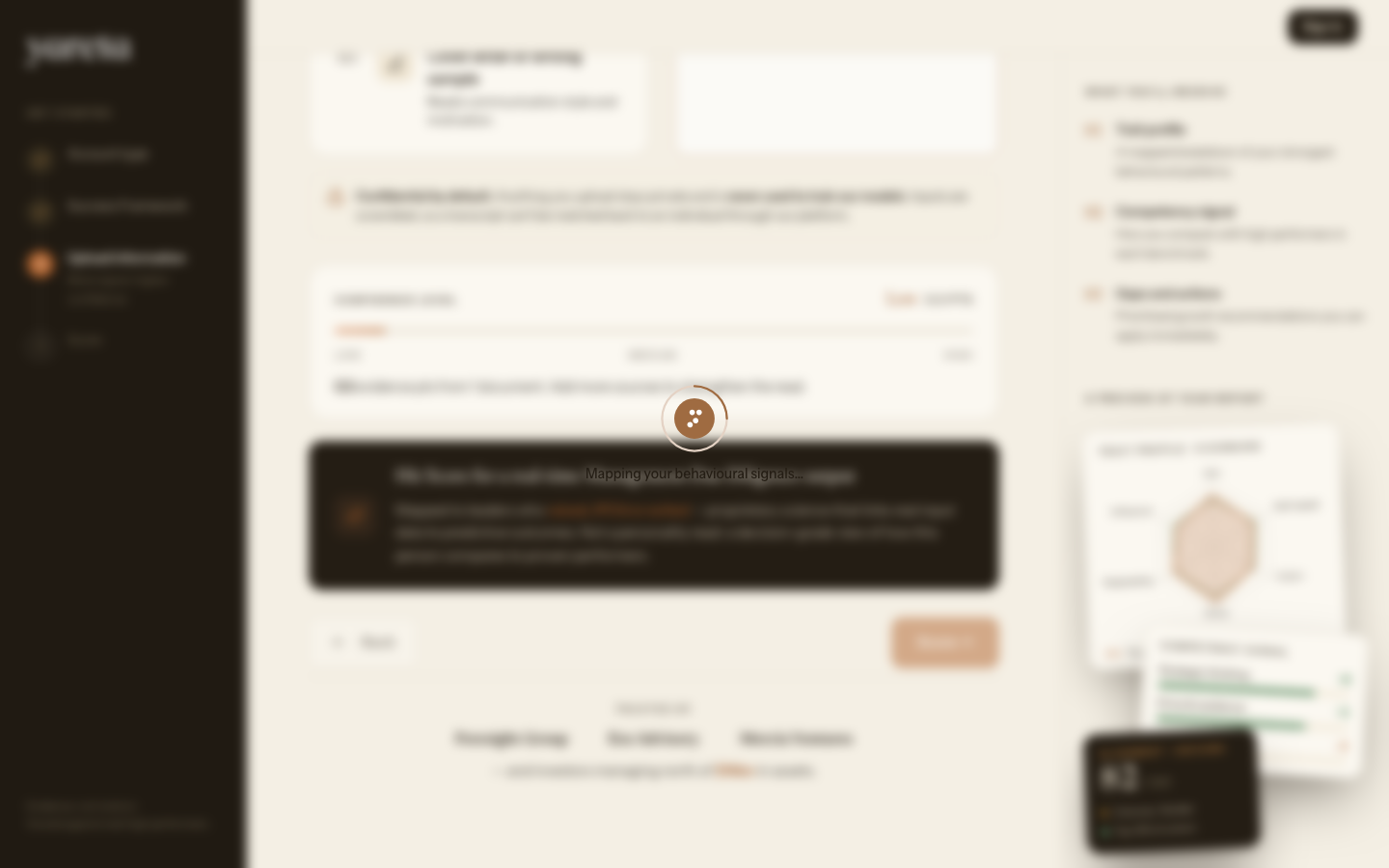
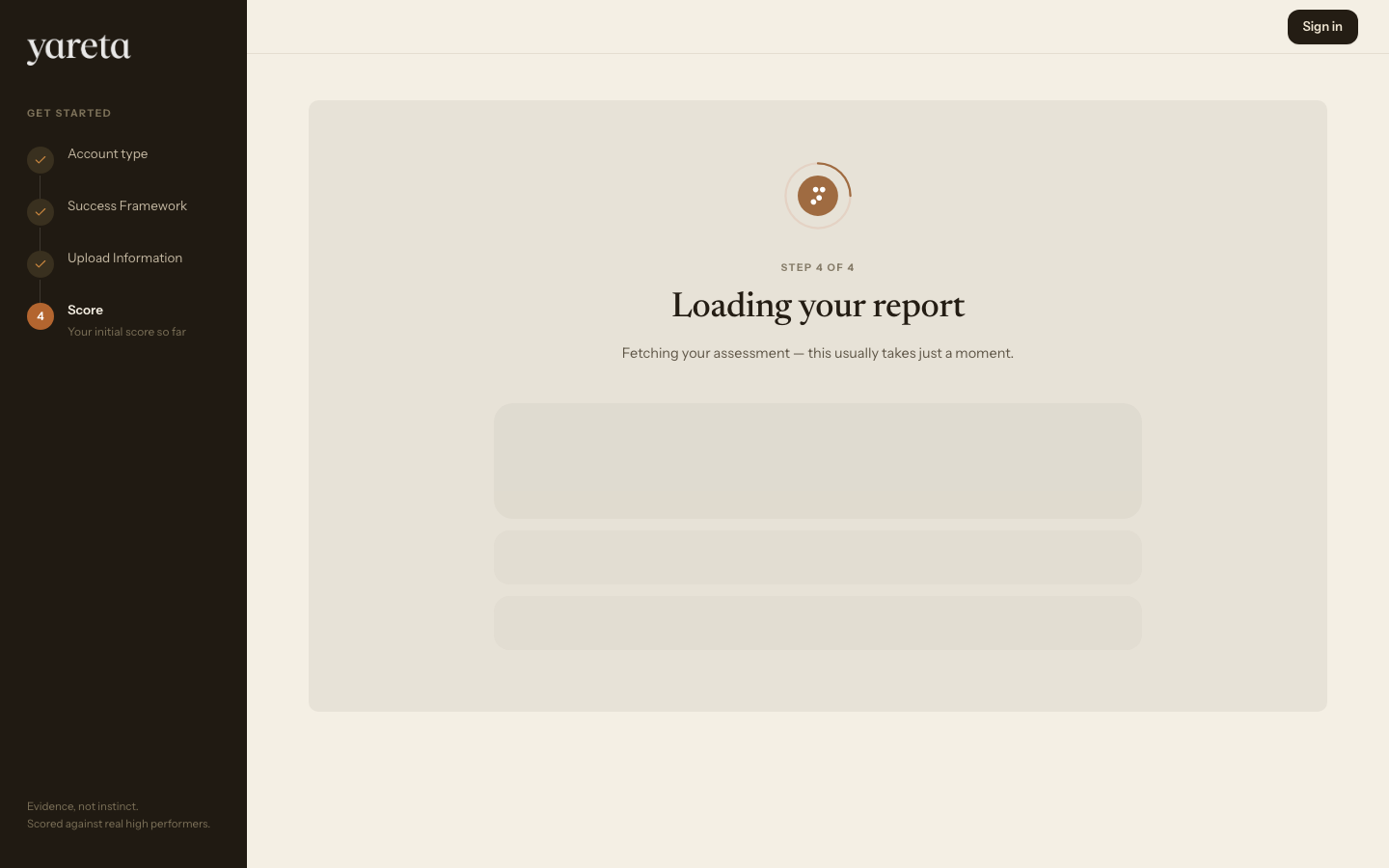
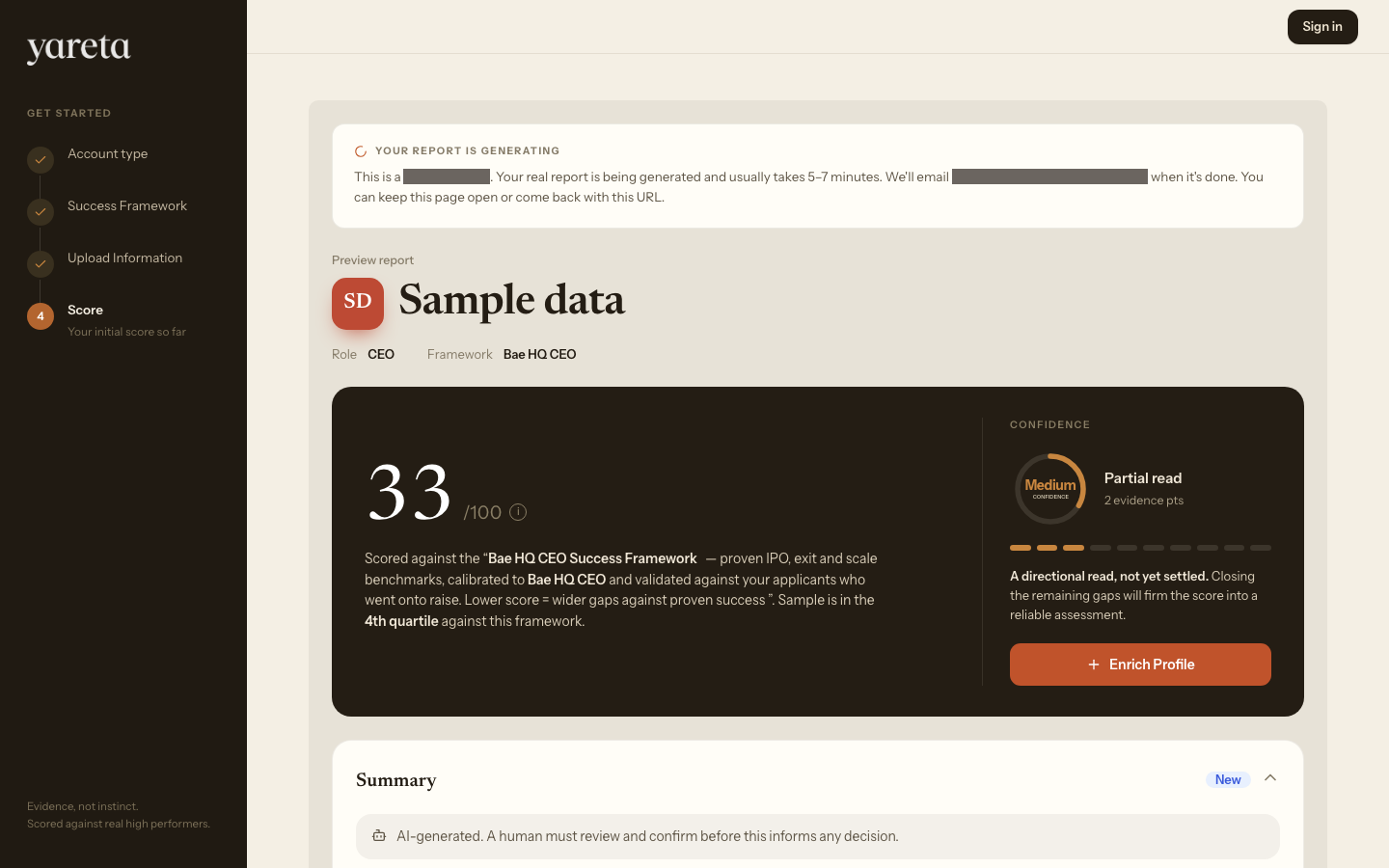
| 4 | Score | Guest preview report (fit, confidence, probes). Takes about 5–7 minutes to generate. |
Organisations (/playground/company)
Investors (/playground/investor)
Charities (/playground/charity)
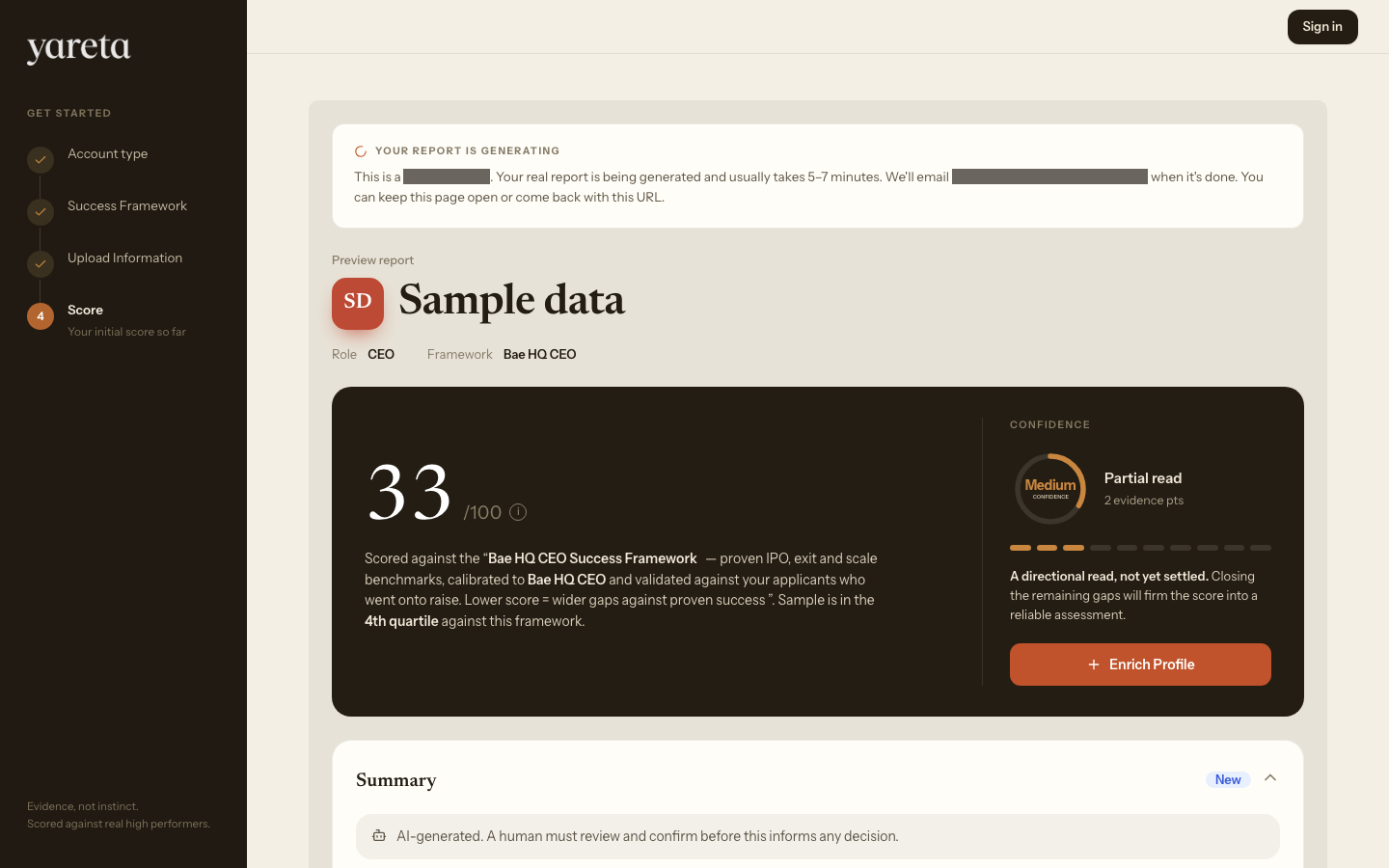
From the report you can continue to sign up to save the preview in a workspace. That step is optional for the demo.
Individual and founder flow
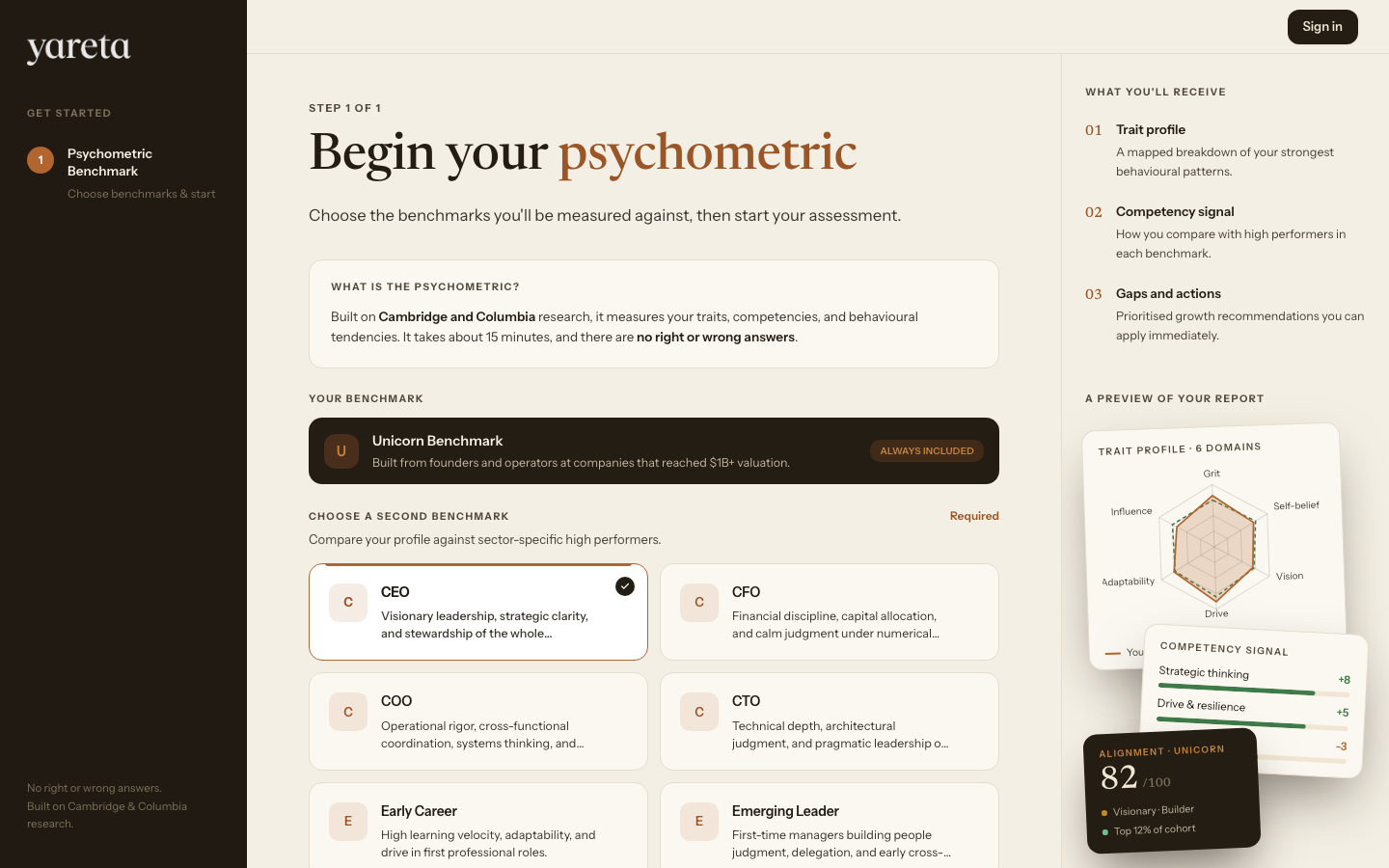
Route: /playground/individual (founders use the same route; /playground/founder redirects here)
| Step | Title | What you do |
|---|---|---|
| 1 | Psychometric benchmark | Choose an industry benchmark to compare yourself against |
| Continue | Sign up | Begin sends you into account creation with that benchmark selected |
There is no guest document upload on this path — the demo leads into the Yareta Assessment after sign-up.
When to use Playground
- Show Yareta to a colleague before CRM setup
- Test a Success Framework on sample evidence
- Decide which account type to pick at onboarding
Related
- Visual tour — full app walkthrough (signed-in sections coming soon)
- Getting started — first run in production
- Entrepreneur DNA — public assessment at
/entrepreneur-dna