
Billing and credits
Plans, invoices, and credit packs are managed at billing.yareta.ai (also reachable from in-app settings).
Billing portal (billing.yareta.ai)
Admins open the billing portal from in-app Settings → Billing, or sign in directly at billing.yareta.ai. The Billing & Usage page shows your current plan, credit balance, and top-up options.
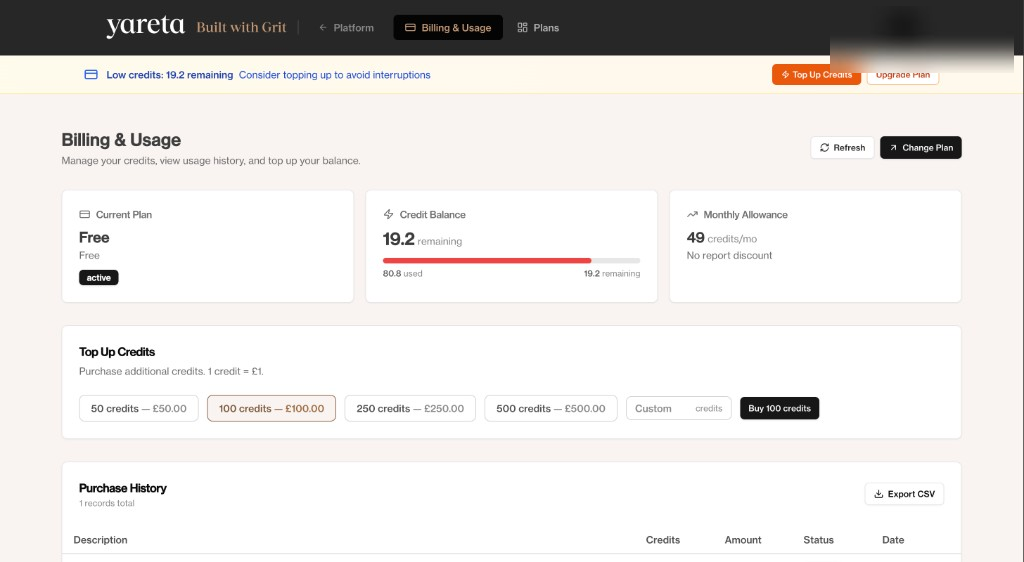
Below that, Purchase history lists plan grants and credit purchases (export CSV). Monthly statements let you generate a PDF billing statement for any past month.
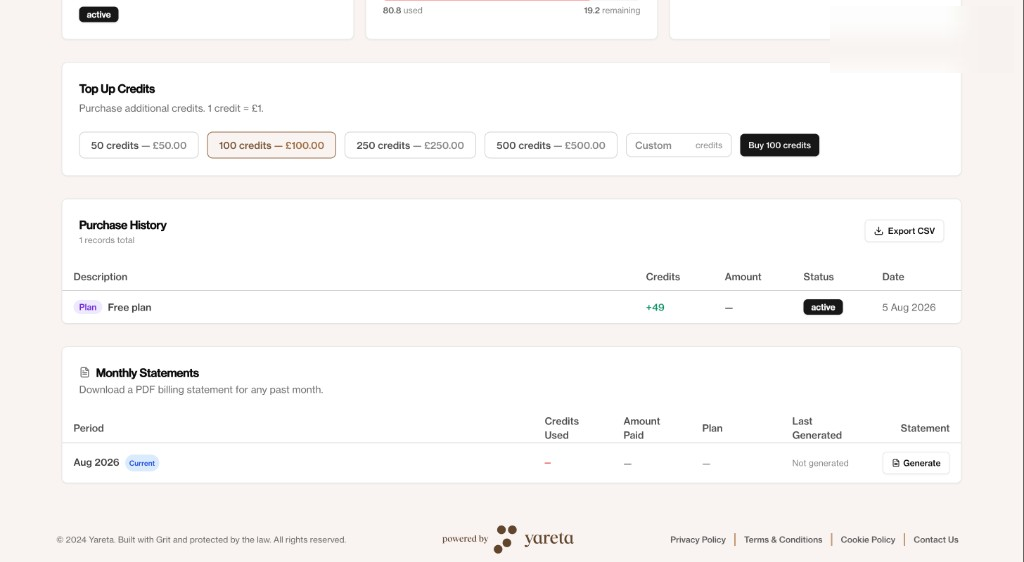
Personal account details in screenshots are blurred.
How usage works
Yareta uses subscription plans plus credits for billable features (scoring runs, certain reports, and similar). Ten credits correspond to £1 of credit value on standard pricing; your contract may differ.
If a feature is blocked:
- Check you are in the correct organisation.
- Open billing and confirm the plan is active (not past due).
- Top up credits or wait for the monthly allotment to refresh.
- Ask an admin — only some roles can change plans.
In the app
The workspace may show a credit gate when you start a scored action. Confirm the prompt; you will not be charged twice for a retried job that already completed.
Stripe
Checkout and the customer portal are provided by Stripe. Use the portal to update cards and download invoices. For contract / enterprise pricing, email connect@yareta.co.
Cancelling
Cancel from the billing portal or by asking your Yareta account manager. Data retention after cancel follows your agreement and our privacy notice.